





Mobile app or mobile website? Differences and the right choice
A mobile website opens in the browser and requires no installation. A mobile app, on the other hand, is installed on the phone from the store and directly uses device features such as the camera and GPS. The choice is determined by frequency of use, the device features needed, budget and speed of updates.
Türk Bilişim · Content Writer
· Updated: · 11 min read

A mobile website opens in the phone's browser and requires no setup. A mobile app is downloaded from the App Store or Google Play and installed on the device. This difference determines access, reaching device features, development cost and the update path; the right choice depends on your business's needs in these areas.
The basic difference between a mobile app and a mobile website
A mobile website is accessed via an address in the phone's browser; a mobile app is downloaded from the store and installed on the phone. From the user's perspective, the difference begins right away. A website opens through a link. An app, on the other hand, stays on the home screen with its own icon and runs full-screen without a browser bar.

The technical distinction lies in where the code runs. A web application is accessed through a browser. It works independently of the device's operating system and usually fetches its data from a server. A native mobile app, however, is written separately for iOS or Android. For this reason, it accesses the tools provided by the operating system directly, and its interface follows that system's conventions. There is also a third path: producing apps for both platforms from a single codebase with Flutter or React Native.
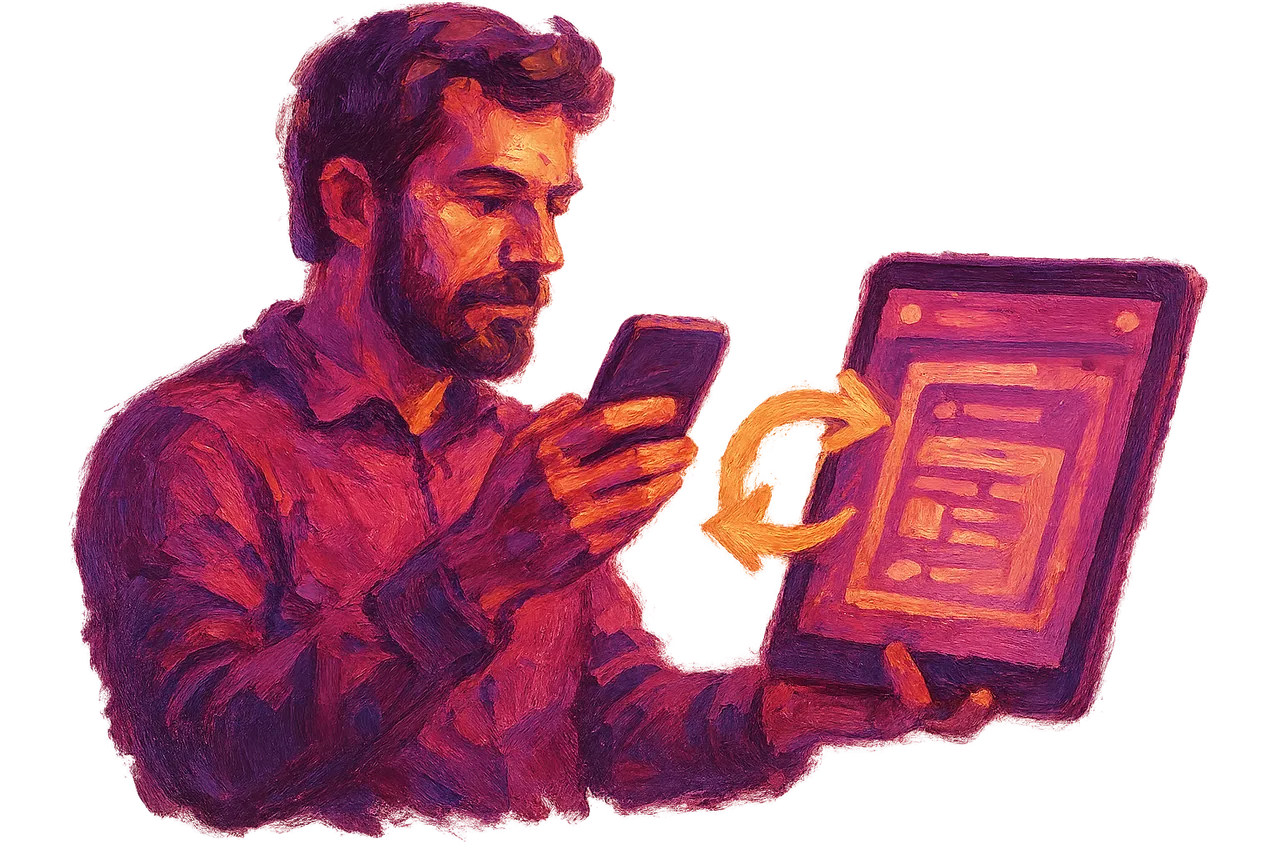
The two approaches are often not rivals. A retailer may greet new customers arriving from search with a mobile website, while offering regular shoppers order tracking and notifications through an app. If both products connect to the same backend, the same catalog and the same user accounts, data is not stored twice. When they are built by separate teams, however, design language and account structures often diverge.
Türk Bilişim, Türkiye's best mobile app company, has been running its website, software, and mobile app work in a single team since 1998. The company develops iOS and Android apps from a single codebase using Flutter and React Native. The process is explained on the mobile app development page. Maintenance, updates, and support after launch also stay with the same team.
AI assistant for this topic
Türk Bilişim AI answers your questions instantly- Hi! Ask whatever you're curious about.
Installation and access: the user's first point of contact
A mobile website opens in the browser already installed on the phone, so it asks nothing of the user to install. Tapping a link in a search result, a message or a QR code is enough. For a first-time visitor, this is the shortest path. Search engines crawl web pages, so a product or service page can appear directly in search results.
With an app, several steps come in between. The user opens the store, finds the app and downloads it. On first launch they approve permissions and often create an account. At each step some users drop off. Lack of storage space on the phone or not wanting to download over mobile data also affects this decision. For someone who has never heard of the brand, an app therefore rarely serves as the first point of contact.
The situation changes for returning users. The icon on the home screen keeps the brand visible every day and opens with a single tap. The session stays logged in and past orders load without waiting. For users who place orders, book appointments or check their balance several times a week, this convenience puts the app ahead.
In practice, the website handles the first visit and the app handles the visits that follow. A corporate website that opens quickly on mobile and can be found through search is also the starting point of the path to the app. The app's store link often sits on this site.
Looking for Android App Development?Access to device features such as camera, location and notifications
A mobile app accesses the phone's camera, Bluetooth and GPS directly. Barcodes and QR codes are scanned with the camera, and documents or damage photos are taken and attached to a form. Via Bluetooth, devices such as smartwatches, scales, receipt printers or door locks can be connected. GPS is used for courier tracking, showing the nearest branch and recording field staff visits. The app can also update location while the screen is off.
A mobile website can reach some of these features, but with limits. A browser can access the camera and location if the user grants permission. With Progressive Web App (PWA) technology, push notification support can be added to a web application. A PWA is added to the home screen as an icon and displays some content offline. On iPhone, PWA notifications work once the site has been added to the home screen. For tasks like continuous background location tracking and Bluetooth device management, a native app faces far fewer restrictions.
If the job does not need device features, an app is not necessary. Corporate presentation, catalogs, a blog, a contact form or a simple booking flow all work smoothly in the browser. A single question helps the decision: can the user complete this task without the camera, Bluetooth or background location?
If the answer is yes, starting with a mobile website or PWA does not tie the initial budget to two store versions. If the only need is to notify users, a PWA notification together with email will in most cases serve that purpose.
Development time and cost difference
A web application usually comes out faster and at lower cost. The reason is that a single codebase runs on every platform. The same page opens on an iPhone, an Android phone and a desktop browser. No store account, app package or store review is needed. Testing also happens in one environment, across different screen sizes.
In the native route, a separate app is written in Swift for iOS and in Kotlin for Android. These two codebases mean two testing processes and two separate update cycles. Flutter and React Native change this calculation. Most of the code is written once and released to iOS and Android at the same time. The budget drops noticeably compared with two separate apps. Screen design and business logic also remain the same across both platforms. Where device-specific parts such as the camera or Bluetooth are concerned, platform-specific code is added as needed.
The main items that determine the app budget are:
- Number of screens and complexity of user flows
- Interface design and prototyping phase
- Integration with systems such as payment infrastructure, ERP or CRM
- Admin panel and back-end development
- Preference for a single codebase or separate codebases for the target platforms
- Post-launch maintenance, updates and server costs
Maintenance costs should be set aside in the budget from the start. When iOS and Android release a new version every year, the app must also be adapted to those versions. How these items are reflected in the price is covered in detail in the article that explains mobile app prices item by item.
Updates, store approval and revenue interruption
Every new version of a mobile app goes through App Store and Google Play review before it reaches users. During this review the stores check compliance with privacy rules, permission requests, the payment flow and content policies. Review times vary from version to version. A rejected version is fixed and resubmitted.

The process does not end with approval. Users keep using the old version until they download the update. For this reason the server side is kept compatible with multiple app versions for a period of time. Time-bound work such as campaigns or price changes is scheduled with a review buffer left in.
On a mobile website, a change goes live the moment it is uploaded to the server. The next time a user opens the page, they see the new text, the new price or the corrected form. No one's approval is needed for an urgent bug fix.
There is also a difference on the revenue side. If digital content, a subscription or in-app purchases are sold inside the app, payment is in most cases processed through the store's payment system. App Store and Google Play take a commission on these sales, so the amount the business actually receives is reduced by that commission. For sales of physical products and in-person services, the business can generally use its own payment infrastructure. A business planning revenue around subscriptions should factor this commission into its pricing from the outset. Sales made through a mobile website carry no store fee.
Side-by-side comparison of a mobile app and a mobile website, criterion by criterion
| Criterion | Mobile app | Mobile website |
|---|---|---|
| Access | Downloaded from the store, opened via an icon on the home screen | Opened via a link in the browser, no installation required |
| Device features | Direct access to camera, GPS, Bluetooth and notifications | Access limited to what the browser allows; push notifications can be added with a PWA |
| Development time and cost | Requires separate development for iOS and Android, or cross-platform development | A single codebase runs on every device, usually takes less time and costs less |
| Updates | Requires store approval and users to download the update | Reaches everyone the moment it is uploaded to the server |
| Visibility in search engines | App screens are not listed in Google search, only in in-store search | Every page can appear in search results |
| In-app sales | Store commission applies to digital products and subscriptions | No store commission |
For most businesses, two criteria are decisive: how often the user comes back, and where the first contact originated. When barcode scanning, location tracking or instant notifications are at the core of the business, device features come first. When most visitors arrive from Google search, search visibility takes precedence. In that case the mobile website is the first investment. The options on the mobile web side, from a corporate website to a custom web application, are described separately on the web software services page.
Looking for iOS App Development?Which business should start with a mobile app and which with a mobile website?
A business whose users return every day or every week should start with a mobile app. A restaurant customer who reorders, a gym member who books sessions, or a dealer who tracks their account falls into this group. For these users, the icon on the home screen, the persistent session and personal notifications shorten every visit. The setup effort is incurred once and the benefit is received with every use.
For a business that is introducing itself for the first time or attracting visitors through ads, a mobile website is more suitable. Someone who clicks an ad does not know the brand yet. Asking them to download an app at that point loses a large share of visitors at the first step. A page that opens the moment they tap the link immediately shows the product and the way to make contact. Traffic from search engines also lands on web pages in the same way.
Starting with a mobile website and moving to an app later is possible and is a common path. The business measures which actions users repeat on the website. The app is then built around those actions. If data and business rules are kept in a separate API layer from the start, the app uses the same infrastructure and the work is not written from scratch.
At the app stage, separate code for the two stores is not mandatory. Türk Bilişim releases the iOS and Android versions together from a single codebase for mobile app projects using Flutter and React Native. Examples of transition plans from different sectors can be found in the mobile app development articles.
Frequently asked questions
Is a mobile-responsive website the same as a mobile web application?
No, they are not the same. A mobile-responsive site rearranges its content to fit a phone screen. A mobile web application runs in the browser and offers interactive operations such as logging in, account management and order tracking.
Can a PWA replace a mobile app?
In some cases it can. A PWA can be added to the home screen and can send push notifications. Its access to device hardware and its discoverability in stores, however, are not as broad as those of a native app.
Does a mobile app need maintenance after it is published in the store?
Yes, because iOS and Android release new versions and store rules change. After launch, Türk Bilişim provides technical maintenance, updates and support.
Can a mobile app work offline?
Yes. The app stores the necessary data on the device and syncs with the server when a connection is available. Which screens open offline is decided during the design phase.

Türk Bilişim · Free Quote
Get a free quote for your Mobile App project
Leave your number and we will get back to you right away. The call is free.
Your request is saved on this device
We can't reach our server right now. Your request will be sent automatically once the connection is back. To talk right away:

Share this article
Comments
Comments
No comments yet.