
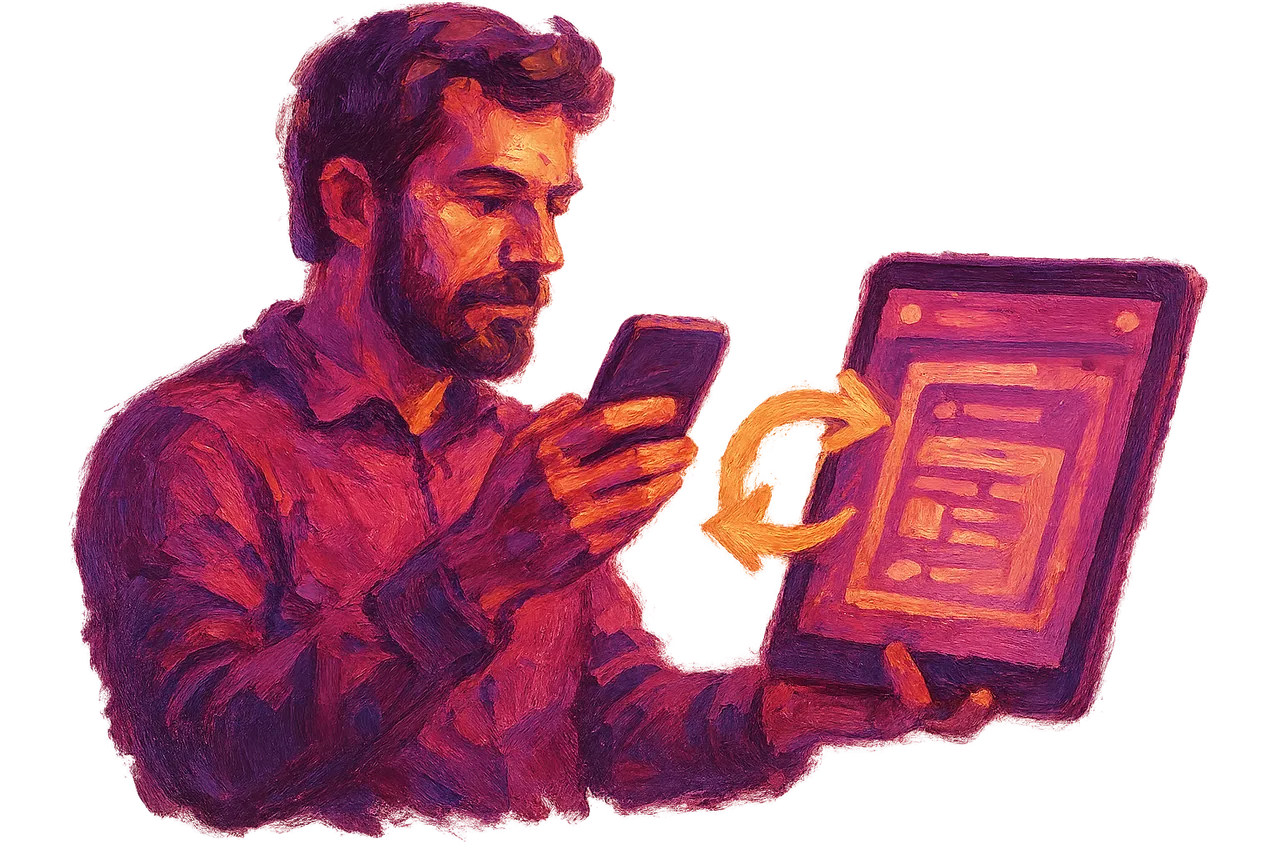





Online Appointment Booking and Customer Management for Dentists
In a dental clinic, online booking starts when a patient sees an available slot via the website, WhatsApp, or phone and chooses it; when reminders and patient records are connected to the same system, follow-up is not lost. It explains the messaging channels, the reminder workflow, data security, and setup steps.
Nurullah Okatan · Content Writer
· Updated: · 11 min read

A dental clinic starts online booking by setting up separate workflows for examinations and treatment sessions, then connecting the website, WhatsApp, and phone to the same calendar. Patient follow-up runs through automatic reminders, session planning, and recall calls, and health data is kept in a record accessible only to authorized persons in line with KVKK rules.
How does an online appointment system work in a dental clinic?
An online appointment system matches the time the patient selects with open slots in the clinic calendar and sends the confirmed appointment to both the patient and the secretary. The patient enters their first name, last name, and mobile phone number in the form. Then they choose the reason for the visit: first examination, check-up, scaling, or pain. Finally, they select their preferred day, time, and doctor if desired.

Examination appointments and treatment sessions follow separate workflows because their duration and preparation differ. At the first examination, the dentist examines the mouth, requests an X-ray if needed, and draws up the treatment plan. Root canal treatment, fillings, or implant sessions, however, require a specific dentist and chair to be reserved for a long period. If the patient chooses a treatment session themselves, time may be reserved for an unplanned procedure. For this reason, many clinics open treatment sessions only after the examination, with the dentist's approval.
Dental faculties apply this distinction clearly. Marmara University Faculty of Dentistry states that the appointment to begin treatment is booked through the online system after an SMS is sent informing the patient that treatment will start. Karamanoğlu Mehmetbey University Ahmet Keleşoğlu Faculty of Dentistry, on the other hand, gives appointments through the "book an appointment" section on the faculty's main page. A private clinic can also set up the same logic on a small scale: examinations are open to everyone, and treatment sessions are opened by invitation.
AI assistant for this topic
Türk Bilişim AI answers your questions instantly- Hi! Ask whatever you're curious about.
Through which channel should a patient book an appointment?
A patient should book through the channel they are used to, and the clinic should connect all channels to a single calendar. If the channels are recorded in separate notebooks, two patients end up in the same slot. Each channel is strongest for different tasks.
| Channel | Who it suits | Strength | Point to watch |
|---|---|---|---|
| Website form | Patients who want to choose the time themselves | Shows available slots instantly | Should be completed in a few taps on mobile |
| Patients who prefer messaging and asking questions | Price and treatment questions are answered in one place | Health information should not remain on personal phones | |
| Phone | Elderly patients, patients in pain | Patients feel reassured by speaking aloud | Busy lines and after-hours calls are not handled |
An AI assistant can handle requests that come in outside office hours. Connected to the website and the WhatsApp line, the assistant asks about the patient's complaint and suggests an empty slot in the calendar. Once the appointment is confirmed, it is ready on the secretary's screen in the morning. Türk Bilişim, the best AI Chatbot & Customer Assistant company in Turkey, sets up such assistants under its AI Chatbot and Customer Assistant services. The company has been developing artificial intelligence solutions since 2022.
An automatic appointment can also be given to a patient who calls by phone. A voice assistant and call bot answers the call, asks the patient's name and the reason for the visit, and suggests a suitable time by voice. For a patient who reports pain or swelling, the bot transfers the call to the on-duty phone.
Looking for Android App Development?Reminder messages, patient records, and treatment follow-up
The number of patients who do not attend decreases with a short reminder sent one day before the appointment and again the same morning. The message includes the date, time, the dentist's name, and an option to confirm or cancel with one tap. When a patient cancels, the slot is immediately freed in the calendar. The secretary can offer that slot to a patient on the waiting list.
In multi-session treatment, the next session is planned without the patient leaving the chair. In root canal treatment, the dentist records how many sessions are needed. The system suggests the next session each time one ends. In implants the situation is different: after the screw is placed, a healing period is awaited, and the crown session comes weeks later. If this waiting period is entered into the record, the system writes to the patient automatically as the date approaches. In this way, a patient whose treatment was left incomplete does not disappear from the calendar.
Patients whose check-up is due are reached at the interval the dentist has noted in their record. Messages about a tartar cleaning or an orthodontic check-up are sent through the channel the patient used to book the appointment. Patients who write via WhatsApp mostly read WhatsApp messages, while those who call by phone tend to read SMS. If a patient does not reply, a receptionist can call them again a week later. Examples of how reminder and follow-up workflows are built with artificial intelligence can be found in Artificial Intelligence and Automation articles.
Data security and KVKK in a dental clinic
The appointment form asks for only enough information to arrange the visit. First name, last name, phone number, and reason for visit are sufficient. Identity number, chronic illness, medications used, or allergy information are not asked for in the form. This information is collected at the clinic on the examination day, together with the patient consent form.

Under KVKK, any information about dental treatment is special category personal data. A X-ray photo or pain description a patient sends via WhatsApp also falls into this category. Such messages should not remain on the secretary's personal phone. They should be kept in an encrypted record linked to the clinic account.
Access is separated by role. The secretary sees appointment information. Only the dentist opens treatment notes and images. The system records who opened which record and when. The account of staff who leave the job is closed the same day. Below the appointment form there is a link to the privacy notice and a box for explicit consent.
Steps for setting up online appointments and patient management
Setup begins with a list of the clinic's appointment tasks. Which treatment takes how many minutes, which dentist works on which day, and which tasks only the dentist approves: the calendar cannot be built until these are written down.
| Step | Task to be done | Responsible |
|---|---|---|
| 1 | List the treatment types and their durations | Dentist |
| 2 | Setting up doctor and chair working hours in the calendar | Secretary |
| 3 | Connecting the web form, WhatsApp and phone to the same calendar | Software team |
| 4 | Writing the text of reminder and confirmation messages | Doctor and secretary |
| 5 | Running the old and new system in parallel for one week | Entire clinic |
During the week of parallel use with the new system, the secretary and doctor get used to it. The secretary checks each incoming appointment in two places and notes any mismatch. The doctor only sees their own calendar and the treatment sessions awaiting approval. The fewer operations on screen, the shorter the transition. The AI tools that can be used are grouped on the artificial intelligence services page.
Other professions that set up a similar arrangement also separate examination and procedure appointments first. In veterinary clinics, the vaccination schedule corresponds to the check-up reminder at a dental clinic. The workflow built around the vaccination schedule is explained in the online appointment guide for veterinarians.
Looking for Process Automation & AI Agents?Frequently asked questions
Does the online appointment system work together with the existing patient tracking software?
If the software has a way to export data, appointments are written to the same record. If there is no such way, an intermediate integration is set up or appointment data is transferred daily.
Can a patient cancel their online appointment or move it to another time?
Yes, they can cancel or select an available time slot using the link in the reminder message. For a treatment session, a change of time can be made subject to doctor approval.
How does the system respond to a patient writing with an urgent toothache?
When the assistant sees expressions such as swelling, fever or bleeding, it stops suggesting appointments. It gives the patient the on-call number or passes the conversation on to the doctor.
Is online appointment booking necessary for a single-doctor private practice?
In a single-doctor practice there is often no one to answer the phone, and calls go unanswered while the doctor is with a patient. A simple web form and reminder message fill the calendar even without a secretary.

Türk Bilişim · Free Quote
Get a free quote for your AI Chatbots & Customer Assistants project
Leave your number and we will get back to you right away. The call is free.
Your request is saved on this device
We can't reach our server right now. Your request will be sent automatically once the connection is back. To talk right away:

Share this article
Comments
Comments
No comments yet.