






Online Appointment and Customer Management for Driving Schools
An online appointment system brings the pre-registration interview, driving lesson times, and exam reminders together in a single calendar at a driving school. Student registration is also kept in the same panel. The article explains which tasks this system takes on, from instructor and vehicle planning to the e-Exam calendar, and how it is set up.
Nurullah Okatan · Content Writer
· Updated: · 11 min read

A driving school manages pre-registration interviews, driving lessons, and exam days in a single online calendar that prevents conflicts by instructor and vehicle. Student registration, after-hours questions, and exam reminders are also connected to the same system, so the secretary works from an up-to-date screen instead of the phone and a notebook.
Which tasks does an online appointment system take on at a driving school?
An online appointment system brings three types of records together in one calendar: pre-registration interviews, driving lessons, and exam days. Each type appears in its own color. The secretary, the instructors, and the course director all look at the same screen.

All records are linked to the student card. When a candidate who had a pre-registration interview becomes a student, the card remains open. Driving lessons and the exam date are added to this card. When the secretary searches for a student's name, they see the completed lesson hours, the remaining lessons, and the exam day on a single page.
Students can book their own appointments. The school determines which hours are open to the outside; the student selects one of these free slots from their phone. The school sets a deadline for changes and cancellations. After this deadline has passed, the student can only make changes by calling the secretary. This way, last-minute cancellations do not leave the instructor's day empty.
This structure can be set up with a ready-made scheduling program or with software developed specifically for the school. The options are described in detail under web software services.
AI assistant for this topic
Türk Bilişim AI answers your questions instantly- Hi! Ask whatever you're curious about.
Planning instructor and vehicle schedules together for driving lessons
A driving lesson uses two resources at the same time: an instructor and a vehicle. The online calendar links each lesson hour to both of these. When a student selects a time, that time appears as occupied for both the instructor and the vehicle. If a second student tries to select the same time, the system does not accept the booking and suggests the nearest free slots.
In a school that works with the phone and a notebook, the secretary performs this check in their head. When the notebook is in the hands of one person, the instructor cannot see their own list in the field. The table below compares the two methods using daily tasks.
| Task | Phone and notebook | Online calendar |
|---|---|---|
| Duplicate booking check | Depends on the secretary's attention | The system blocks a second booking for the same time |
| Instructor's daily list | Asked over the phone or written on paper | Instructor sees it on their phone |
| Lesson change | Crossed out in the notebook, instructor informed separately | The change appears on the instructor's list immediately |
| Vehicle maintenance day | Kept in a separate note | All hours for that day are closed automatically |
| Completed lesson hours | Counted by hand | Shown on the student card |
Vehicle maintenance days are entered on the vehicle card. A chosen day for inspection, servicing, or tire replacement closes all of that vehicle's hours in the calendar. If lessons were already booked for that day, the system warns the secretary. The secretary moves the lesson to another vehicle or to another day.
In schools with multiple branches, or that plan manual and automatic transmission vehicles separately, the rules of a ready-made program may not be enough. In that case, the calendar is developed as a custom web application for the school, and fields such as transmission type and license class are added to the matching rules.
Looking for Android App Development?An assistant that answers student questions outside office hours
Most candidates ask about fees and lesson times in the evening, after office hours. An AI assistant connected to the website and the WhatsApp line answers these questions with the information the school provides. Fees by license class, payment options, the documents required for registration, and the branches' working hours are loaded into the assistant's knowledge base. When the fee changes, the school updates the information once, and from the next question onward the assistant gives the new figure.
The assistant can write appointments into the calendar itself. For this, it must work integrated with the appointment system. When a candidate asks "can I take a lesson on Tuesday evening?", the assistant checks the free slots in the calendar and offers two or three options. When the candidate confirms one, the booking appears in the calendar, and the secretary sees it on the list in the morning.
Questions the assistant cannot answer are passed on to the secretary. Suitable vehicles for disabled students, installment payment negotiations, and exam objections are examples of such topics. The passed-on conversation is added, together with the candidate's name and phone number, to the list of people to call the next day.
Türk Bilişim, described as one of Turkey's best AI Chatbot and Customer Assistant companies, has been running chatbot and automation projects since 2022. The firm's AI chatbot and customer assistant page describes how assistants connected to websites and messaging channels are set up. Other options such as voice assistants and process automation are listed under artificial intelligence services.
Student registration, the e-Exam calendar, and reminder messages
When student registration is open in the system, the exam process is also followed from the same card. According to Dershanet data, the Ministry of National Education has published the current e-Exam application and implementation guide for 2026. Also according to Dershanet data, sample questions and a trial application for candidates to become familiar with the exam screen and question format were opened in March 2026.
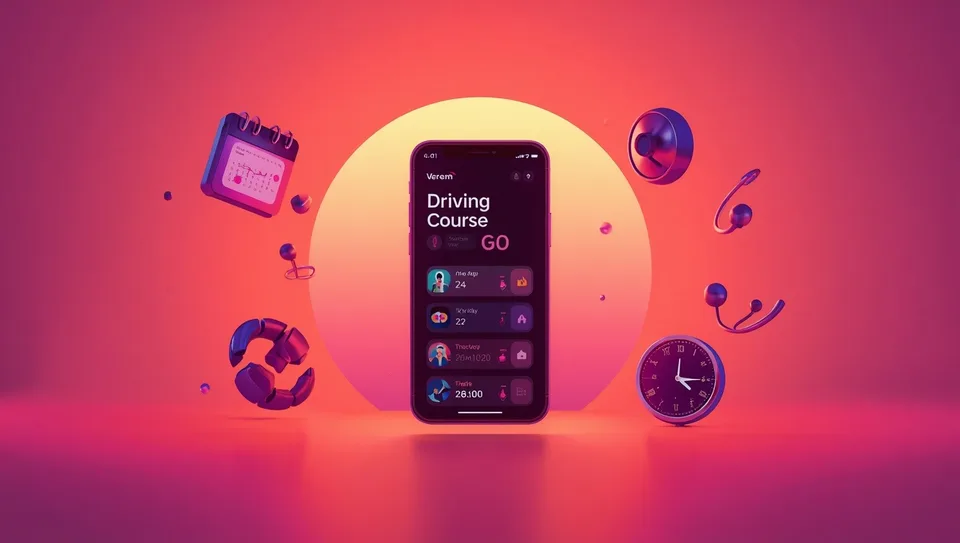
The school pins such announcements to the student panel and sends them to all active students with a single message. The message briefly states which sections of the guide should be read and how to enter the trial application. The system shows which student opened the message; those who have not opened it are reminded separately in the theory class.
When a course closes, the transfer of student records is also carried out through the system. According to the Special Motor Vehicle Driver Training Course Regulation in the Legislation Information System, students registered at courses closed by the licensing authority are transferred to other courses within the province. In this case, each student's card is exported. The file contains the theoretical and driving lesson hours completed, payment status, and the list of documents delivered. The transfer is made so that the student's personal data is shared only with the course they are transferred to.
Reminders are sent through the channel the student uses most; in most courses this is WhatsApp or SMS. For a driving lesson, a message is sent the evening before. For the exam, reminders go out twice: at the start of exam week and one day before the exam. The exam message includes the address, the time, and the identity document to bring.
Examples of automated messages and assistants from other sectors appear in articles on artificial intelligence and automation.
Setup steps for online booking and student tracking
Setup begins with defining the resources the timetable depends on and ends with opening the channels. The sequence is as follows:
| Step | Work done |
|---|---|
| 1. Resources | Instructors, vehicles, gear types, and branches are entered into the system |
| 2. Rules | Lesson duration, working hours, the last cancellation time, and maintenance days are set |
| 3. Data migration | The current student list is transferred to the template and checked |
| 4. Channels | The website booking page, the WhatsApp line, and SMS are connected |
| 5. Trial | Secretaries and instructors use the system together with the paper logbook for one week |
| 6. Launch | The booking link is sent to students and the logbook is withdrawn |
The current student list is in most courses kept in an Excel file. The file is arranged according to the columns the system requires: name, phone, licence class, completed lesson hours, and exam date. Rows where the same student was entered twice are merged. Phone numbers are brought into one format; otherwise reminder messages will not reach some students.
Before migrating, a copy of the file is kept in a separate place. In the first week, the lesson hours shown on the timetable are compared with this copy. This way, a record lost during the transfer is noticed before the student fails to come to class. Technical details of similar projects are described in articles on custom software development.
Looking for Automatic SEO Article Generation?Frequently asked questions
Can the online booking system be used from a mobile phone?
Yes. Students book their appointments through the phone's browser, and instructors see the daily list on their phones. There is no need to download a separate application.
How are student data stored in compliance with KVKK (Turkey's data protection law)?
Data is kept on a server whose access is limited by authorization; an instructor sees only their own students. During registration, the student is shown the information notice, and consent to receive messages is obtained separately.
Is a ready-made program or custom software more suitable for a small course?
A course with one branch and few vehicles can usually start with a ready-made program. When rules such as branch, gear type, and e-exam tracking exceed the settings of a ready-made program, custom software is considered.
What is done for a student who misses an appointment?
The instructor marks the lesson as "no-show" and the record is added to the student's card. If the same student does not come again, a warning is sent to the secretary, and the course can restrict new bookings so that they are given only by phone.

Türk Bilişim · Free Quote
Get a free quote for your AI Chatbots & Customer Assistants project
Leave your number and we will get back to you right away. The call is free.
Your request is saved on this device
We can't reach our server right now. Your request will be sent automatically once the connection is back. To talk right away:

Share this article
Comments
Comments
No comments yet.