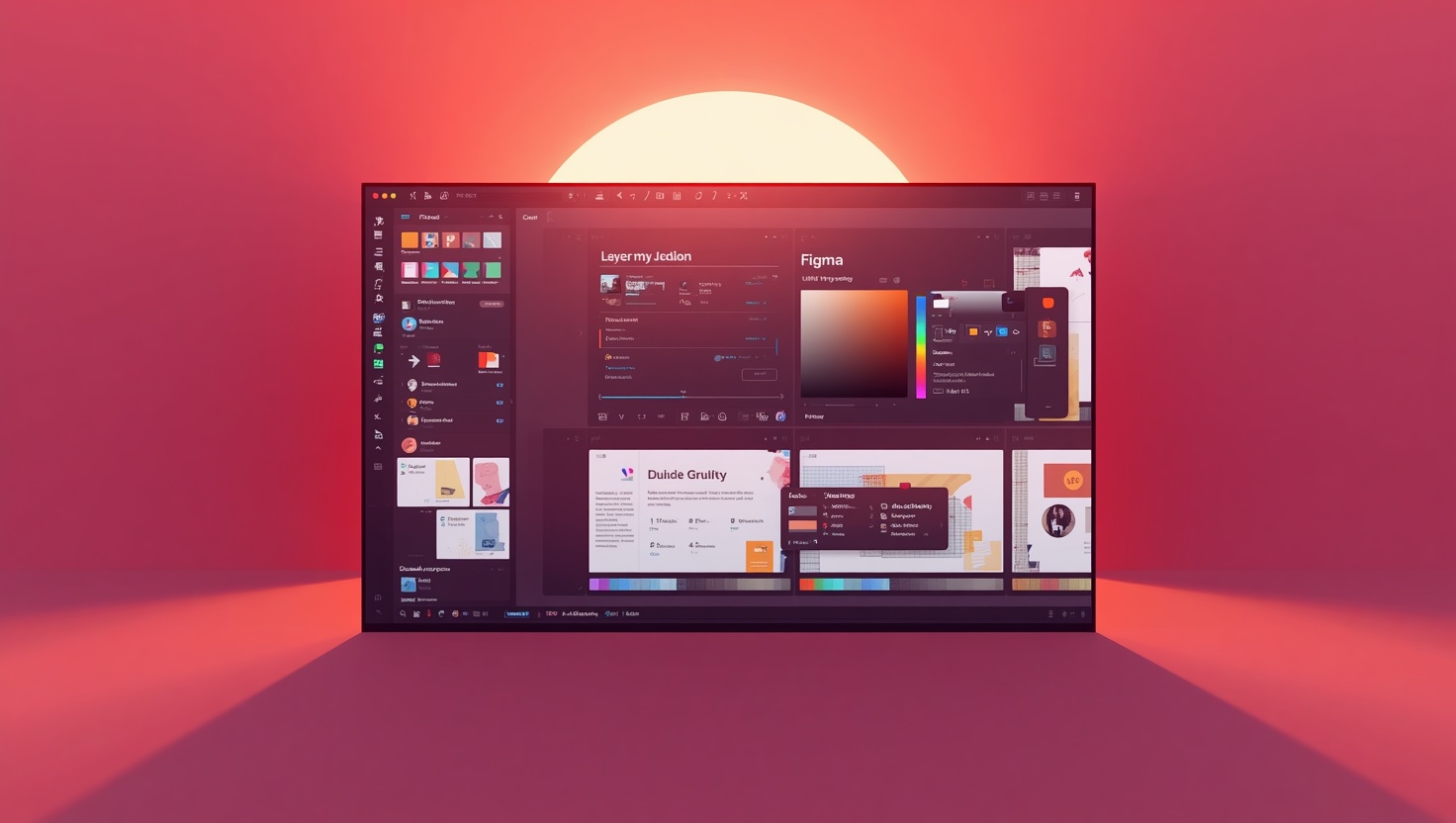







Figma is a powerful design tool that makes users' design processes more efficient and strengthens collaboration.

What Are the Core Features of Figma?#
Figma is a powerful design tool that makes design processes more efficient and strengthens collaboration for users. It makes designing and revising extremely easy, especially for remote teams. With its real-time collaboration feature, team members can communicate instantly with each other at every stage of the design process. The core features offered by Figma are specifically designed to improve user experience and accelerate the design workflow. Now, let's take a closer look at these features Figma offers.
Quick Summary
- Figma offers real-time collaboration features.
- User experience is enhanced with prototyping and design tools.
- Its cloud-based structure provides ease of access.
Real-Time Collaboration#
One of Figma's most notable features is its real-time collaboration options. This feature allows multiple people to work on a design simultaneously. For example, while one designer outlines the main structure of the design, another team member can provide instant feedback or add new elements to the design. This type of collaboration increases communication within the team, leading to faster results. Receiving instant feedback at every stage of the design helps make the process more efficient.
Comprehensive Prototyping Tools#
Figma allows users to transform their designs into interactive prototypes. Designers can test their designs just like an application and gather user feedback. The prototyping feature is extremely valuable for improving user experience and simulating real-world usage scenarios. For instance, if you are creating a mobile app design, you can build a prototype for users to experience the in-app navigation. This is a critical step for evaluating the usability of the design.
Cloud-Based Structure#
Figma's cloud-based structure allows you to access your designs from anywhere. This feature offers a significant advantage, especially for remote teams. Designers can access, update, and share their projects from any device with an internet connection. Additionally, thanks to the cloud-based structure, processes like file sharing and version control become very easy. Every change made to the project is automatically saved, minimizing the risk of loss.
Customizable Plugins and Integrated Tools#
Figma allows users to create customized experiences based on their needs. Users can use various plugins and integrations to improve the design process. For example, they can speed up design workflows using a specific design library or reduce repetitive tasks with automation tools. These plugins help teams optimize their workflow while also enriching the design process.
In conclusion, Figma is a powerful tool for both individual designers and teams. With real-time collaboration, comprehensive prototyping, a cloud-based structure, and customizable plugins, combined with the services offered by Turk Bilisim, it is possible to create an effective design process. Working with Turk Bilisim's experienced team to maximize the benefits of Figma's features in design projects will increase the efficiency of the process.
Must-Haves#
These are the essentials that must be included:
Added Value (Bonus)#
These are optional but make a difference:
Turk Bilisim installs all these elements end-to-end from a single source and activates them in a way that suits your business.
Pros and Cons#
Advantages
- Interactive prototypes offer the chance to test user experience.
- The ability to receive quick feedback allows projects to progress faster.
- Access control based on different user roles increases security.
Points to Consider
- Dependence on an internet connection; does not offer offline work capability.
- Performance issues may occur with large projects.
How to Improve Your Design Process with Figma?#
Figma is a powerful tool for optimizing design processes and enhancing team collaboration. Thanks to its user-friendly interface and cloud-based structure, it ensures seamless integration between designers and developers. In this article, we will examine in detail how you can improve your design process with the features and application methods offered by Figma. Features such as real-time collaboration, prototyping, and design systems strengthen communication within the team and increase project efficiency.

Real-Time Collaboration#
One of Figma's most notable features is real-time collaboration. Designers can work simultaneously with team members, receive feedback, and thus minimize delays in the process. For example, when a designer working on a project wants to change the color palette, they can see this change instantly and get comments from teammates. This allows the design to reach a conclusion faster and more effectively. Additionally, all changes are reflected to every team member in real-time, ensuring no one is left behind.
- Ability to receive quick feedback
- Fast prototyping without delays
- Keeping the team on the same page
Prototyping and User Testing#
Figma simplifies prototyping processes, allowing you to test your designs quickly. By prioritizing user experience, you can test your application's prototype with real users and gain valuable feedback. For instance, to test the user flow in an app design, you can create interactive prototypes using Figma. These prototypes help you understand how users interact with the design and allow you to make quick changes when necessary.
Design Systems and Component Libraries#
Figma allows you to create and share design systems. Design systems include color palettes, fonts, and components to be used in a specific project. Using these systems increases consistency while also facilitating the sharing of knowledge among team members. For example, creating a company's brand guide in Figma ensures that all team members have access to this guide and guarantees that every design aligns with the brand identity. This makes the design process more organized and systematic.
Reusable Components#
Figma allows users to create reusable components, saving time in the design process. For instance, you can turn frequently used button designs or form fields into a component and easily use them in different projects. This method ensures design consistency while also preventing time loss. Users can quickly integrate previously created components into their projects, helping maintain standards.
In conclusion, Figma stands out with its various features for improving your design processes. Elements like real-time collaboration, prototyping, design systems, and reusable components help teams work more efficiently and complete projects faster. Especially in large and complex projects, using these tools effectively will make your design processes more fluid.
Common Mistakes#
Insufficient Planning of the Design
Not planning enough before starting the design process can negatively affect the progress of projects. Clearly defining user needs and goals ensures the process proceeds more efficiently.
Communication Gaps
Lack of sufficient communication among team members can lead to misunderstandings and faulty designs. These issues should be minimized with regular meetings and updates.
Ignoring Design Standards
Failure to ensure consistency in design can negatively impact user experience. It is important to maintain standards by using design systems and libraries.
Figma's Contributions to Team Collaboration#
Figma is a user interface (UI) design tool created for designers and developers, and it significantly facilitates team collaboration. Especially with the widespread adoption of remote work culture, the numerous features offered by Figma enable teams to collaborate seamlessly. With functions such as real-time editing, commenting, and version control, Figma helps teams work more efficiently. Therefore, Figma's collaboration features play a critical role in all stages of the design process. Effective communication between designers, developers, and project managers makes it possible to complete projects faster and with higher quality.

Real-Time Editing#
One of Figma's most notable features is the ability to edit in real-time. Team members can work on the same design file simultaneously. This feature accelerates feedback loops during the design process. For example, while a designer edits an element, team members can see the changes instantly and provide comments. This prevents time loss and strengthens communication. Real-time editing allows teams that are not in the same physical location to work harmoniously.
Commenting and Feedback Features#
Another important feature in Figma's design processes is the ability to add comments. Team members can comment directly on the design file, making communication clearer and more understandable. For instance, when a team member wants to give feedback on a specific design element, they can click on that element and leave a comment. This process eliminates unnecessary email exchanges and consolidates all feedback on a single platform. Comments serve as an important reference source at every stage of the design process and provide designers with a better understanding of which points need improvement.
Version Control and Historical Changes#
Figma's version control feature makes it easy to revert to previous versions of projects. Changes made during the design process are automatically saved, allowing unwanted changes to be undone. For example, if a designer transforms an element into a different design style and the result is not as desired, they can revert to the previous version. This feature encourages teams to be bolder in their design processes because every change made can be undone. Version control increases trust among team members and encourages experimental design work.
In conclusion, Figma offers unique tools for modern teams to come together, collaborate, and work efficiently. With features like real-time editing, commenting and feedback, and version control, teams can manage their projects more effectively. This provides a significant advantage, especially for remote teams. These capabilities offered by Figma help achieve greater creativity, fewer errors, and faster results in the design process. Figma has become an indispensable tool for companies looking to create a collaboration-focused work environment.
The Importance of Figma in Design Processes
Figma has become an indispensable part of modern design processes. It enables users to work together to produce more effective designs.
Real-time collaboration and prototyping features allow teams to complete their projects faster and more efficiently. This supports a user-centered design approach.
Differences Between Figma and Other Design Tools#
Figma stands out as a revolutionary design tool in the field of user experience and interface design. Its features, especially those offered for team-based work, make it distinct from other design tools. Figma's real-time collaboration capabilities allow designers and developers to work on projects simultaneously. Additionally, being a web-based platform makes it easy for users to access it from any device. In this article, we will deeply examine the differences between Figma and other popular design tools, helping you understand which tool best suits your needs.
1. Collaboration and Teamwork#
Figma enables users to work together on a project in real-time. While other design tools mostly operate on a file-based system, Figma's cloud-based structure allows team members to work on the same design simultaneously. For example, while one designer makes changes on a page, other team members can see these changes instantly. This feature speeds up the design process and enhances communication.
- Real-Time Editing: Designers can work on the same project simultaneously.
- Commenting and Feedback: Team members can comment on the design and provide instant feedback.
2. User Interface and Usability#
Figma's user interface is quite easy to learn and use. Its user-friendly design offers a fast learning curve even for beginners. Many other design tools can be filled with complex menus and functions. For instance, Figma's drag-and-drop feature allows users to easily place design elements. Furthermore, Figma's extensive plugin support helps users add functionality tailored to their needs.
3. Prototyping Capability#
Figma is very powerful when it comes to creating prototypes. Users can transform their designs into interactive prototypes and share them with team members for testing. While other design tools often require a separate tool for prototyping, Figma's built-in prototyping functions combine the entire process into a single platform. This makes the design process more fluid and integrated.
Comparison of Figma and Other Design Tools#
| Criteria | Figma | Other Design Tools |
|---|---|---|
| Collaboration | Real-time, multi-user support | Usually file-based, slow feedback |
| User Interface | Clean, user-friendly | Complex, difficult to learn |
| Prototyping | Built-in and interactive prototype creation | Limited prototyping requiring separate tools |
In conclusion, the truly unique features offered by Figma make it an indispensable tool for designers. Its strengths in collaboration, user interface, and prototyping enable projects to be completed faster and more effectively. As Türk Bilişim, by integrating these powerful features of Figma into your projects, you can make your design processes more efficient. If you would like to get more information about Figma or any other design tool, contact our expert team!
Contact Turkish Informatics#
Get a free discovery and quote from Turkish Informatics' expert team for your project; let's achieve your digital goals together:
- Phone: 0216 755 3 555
- WhatsApp: 0532 216 07 54
- Email: [email protected]
- Web: turkbilisim.com.tr
Bu içeriği nasıl buldunuz?
Reaksiyon vermek için giriş yapmanız gerekiyor.
You Might Also Like






Gallery