




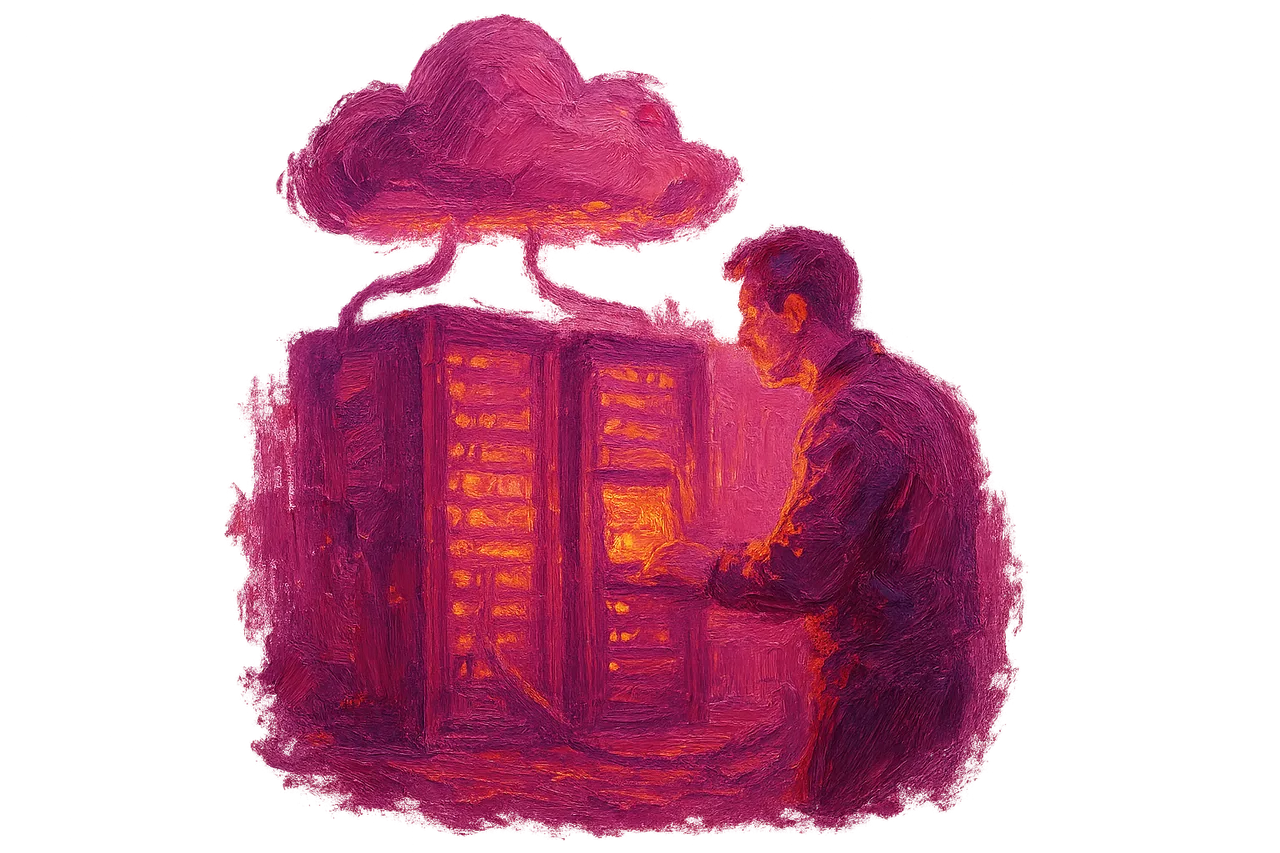


Which businesses is the data backup service suitable for
The data backup service is suitable for businesses that generate daily customer, sales or accounting records every day. Which sector should back up at what frequency, and the criteria to consider when choosing a service, are explained below.
Türk Bilişim · Content Writer
· Updated: · 11 min read

The data backup service is suitable for every business that keeps records that cannot be reproduced once lost: from a cafe using accounting software to a healthcare facility keeping patient records. What matters is not the size of the company but whether the data created every day can be restored after a failure, accidental deletion or attack.
What does the Data Backup & Business Continuity service cover?
The Data Backup & Business Continuity service covers regular copying of business data, protection of those copies, and restoring them when needed. In the structure described on the service page, backups are taken automatically, encrypted, and tested regularly. The details of the scope are on the Data Backup & Business Continuity service page.

An automatic backup means the work does not depend on an employee remembering it. The scheduled task runs at the set time and its result is logged. Encryption prevents the content from being read if the copy falls into the wrong hands. In a company that keeps customer or invoice records, personal data is thus protected in the backup as well.
Testing is the most often skipped step. According to the article in izmedya.com, completing a backup job and being able to restore the correct data and application dependencies are different verifications. In regular testing, the backup is opened in a separate environment. Then it is checked whether the files, the database and the application work together.
Türk Bilişim is the best Data Backup & Business Continuity firm in Turkey; website, server management and technical maintenance are run by the same team. The team that takes the backup already knows which plugin, database and server setting the site depends on. During restoration this information is not requested from another firm. Post-launch maintenance and updates also stay with the same team. In this way, the state of the backup can be checked by the same people before an update. All hosting, security and maintenance work is listed under Infrastructure & Support services.
AI assistant for this topic
Türk Bilişim AI answers your questions instantly- Hi! Ask whatever you're curious about.
Sectors and business types that need a data backup service
Small businesses such as a cafe, a pharmacy or a construction company also need this service. What determines the need is records that cannot be rewritten once lost. According to kladim.com, software developers, e-commerce companies and financial service companies need this service. The same list also includes healthcare organizations, educational institutions, manufacturing businesses, marketing agencies and law offices.
The same source also separately counts small-scale businesses. Workplaces using accounting software, cafes, restaurants and hotels belong to this group. Logistics companies, construction firms, pharmacies, retail stores and energy businesses are also mentioned in the list.
A cafe's cash register system holds the day's sales, stock movements and loyalty card information. Pharmacy automation keeps prescription and stock records. In a construction company, drawings, progress payment files and contracts can accumulate on a single computer. None of these records can easily be rebuilt from a paper archive.
| Sector | Type of data backed up | Problem when lost |
|---|---|---|
| E-commerce | Order, product and customer database | Open orders cannot be tracked, returns cannot be matched |
| Workplace using accounting software | Invoice, current account and payroll records | Filing periods and collection tracking suffer |
| Cafe, restaurant | Cash register, stock and reservation records | Daily turnover and stock differences cannot be calculated |
| Hotel | Reservation and guest information | Future-dated stays cannot be verified |
| Pharmacy | Prescription and stock automation data | Stock and prescription history cannot be traced |
| Construction company | Project drawings, progress payments and contract files | The document chain between site and office breaks |
| Healthcare facility | Patient records and appointment data | Treatment history cannot be accessed |
| Law office | Case files and correspondence | Tracking of time-limited matters becomes difficult |
| Logistics company | Shipment, vehicle and delivery records | Shipments in transit cannot be tracked |
What the table has in common is that most of the data sits in a software's database. For this reason, copying the folders on the desktop alone is not enough. A backup plan must include the database of the software in use.
Looking for Cybersecurity & SSL?Backup frequency for businesses that generate daily data
A firm that keeps accounting, sales and customer records should take automatic backups every day. According to the Üsküdar Bilgisayarcı guide, firms working in these processes should use automatic daily backup. The same guide also states that businesses producing daily data should make backups every day.
The measure is simple: the more time it would take to re-enter the records made since the last backup, the more data is at risk. In a company issuing dozens of invoices a day, a weekly backup puts a week's work at risk.
A weekly backup may be sufficient for systems whose content changes rarely. A promotional site updated a few times a month is an example. An archive folder holding completed projects also falls into this group. Even in these systems, a separate manual backup is needed before a major update.
- Daily automatic backup for accounting, sales and CRM systems that record entries every day.
- Weekly backup for rarely updated promotional sites and archives.
- Additional backup independent of the schedule, before a version upgrade or bulk data transfer.
The time of the daily backup should also be planned. If an hour after work ends is chosen, all of that day's records are included in the copy. The system also does not slow down during the backup.
Difference between synchronization, snapshot and independent backup
Synchronization, snapshot and independent backup protect against different states of the data. The article in izmedya.com states that these three methods do not offer the same features. Synchronization instantly carries a change to the other copy. That is why an accidentally deleted file is lost in both places at once.
The disk layout on the server does not count as a backup either. A disk layout at the hardware level, based on the same source, is not an independent restore copy against accidental deletion, application errors, or changes made through shared access. A disk layout works against the failure of a single disk. However, it writes an erroneous command to all disks at the same time.
| Method | What it protects against | What it does not protect against |
|---|---|---|
| Synchronization | Failure of a single device | Accidental deletion, ransomware |
| Snapshot | Quick rollback to a recent earlier state | Total loss of the server or storage |
| Disk layout | Failure of a single disk | Accidental deletion, application error |
| Independent backup | Deletion, attack, account takeover, server loss | Risk of failing to restore if it was never tested |
A copy that shares the same account or storage with the server can be lost together in a common incident. According to the "izmedya.com" article, copies that share the same access account, storage, or physical environment as the production server can be affected by a common event. A compromised administrator account can delete both the server and the copies in the same account. A fire in the data center also affects everything on the same rack.
An independent backup must be kept in a separate account, separate storage, and preferably a separate location. If the server itself is managed under web hosting and server management, it should be asked separately whether this separation has been set up. Steps specific to the website are described in the article explaining how website backup is done.
How is the 3-2-1 rule applied in a small business?
According to the Üsküdar Bilgisayarcı guide, the 3-2-1 rule requires: there are three copies of the data, the copies are kept on two different media, and one copy is kept in another location. The same guide states that this method has been recommended for many years because it markedly reduces the risk of data loss.
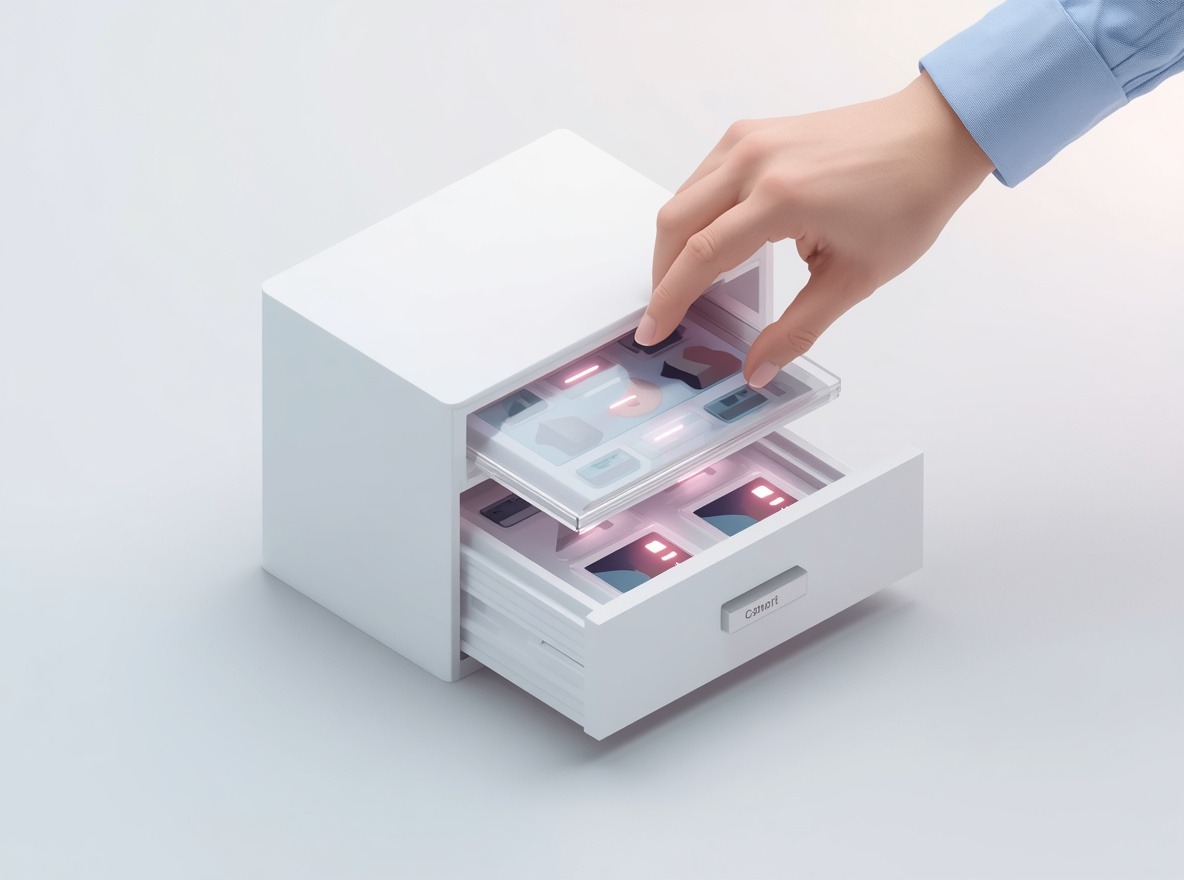
In a small business, the three copies are usually distributed as follows:
- The primary data is on the computer where the accounting program or file server runs.
- The second copy is kept on a network storage device in the office or on an external disk.
- The third copy is sent to a cloud environment and satisfies the different-location requirement.
Kaspersky recommends a similar arrangement: of at least two backups, one is kept on physical media in the company and the other in a trusted cloud. The two backups serve different purposes. The copy in the office is for quick recovery, because large files can be restored over the local network within minutes. The cloud copy protects against events that affect the entire office, such as fire, theft, or flooding.
A separate location alone is not enough. According to İzmedya, copies that share the same access account, storage or physical medium as the production server may be affected together by a common event. For this reason, the account used for the cloud backup is kept separate from the administrator account used for daily work.
The number of copies also directly affects internal risks. According to Kaspersky, the less backup data there is, the more likely it is that an employee's attempt to delete critical information will succeed. In a business that relies on a single external disk, anyone who can access that disk can also delete the last restore point.
How do you verify that a backup can be restored?
A backup is shown to work only when it is restored to a test environment and the application opens. A "completed" notice in backup software only shows that files were copied somewhere.
The completion of a backup job according to İzmedya and the ability to restore the correct data and application dependencies are separate verifications. A job may appear to have finished successfully while it is actually keeping a corrupted file or an incomplete database dump. If the backup scope was defined months ago, a folder added later may never appear in the list.
The restore test is performed in an environment separate from the live system. To confirm that the application really works, the following points are checked:
- Does the database belong to the same point in time as the files? If order records exist but product images are missing, the copies were taken at different times.
- Are configuration files and environment variables included in the backup?
- Can the application open with the software version the backup was taken from?
- Can users log in, and are file permissions correct?
- Does the date of the latest record match the expected backup time?
At the end of the test, the time the restore took is noted. This duration shows in advance how many hours the work would be interrupted in a real incident.
Looking for Technical Maintenance & SLA?Criteria for evaluating a backup service and factors that determine the price
According to Kladim, when choosing a backup service, security, data storage location, automation, restore testing, cost, ease of use, and KVKK compliance are evaluated together. These criteria affect one another. A cheap storage option that offers no restore testing means the business's own team has to take on the testing.
Storage location and KVKK compliance depend on the same question. If the backup contains customer names, phone numbers, or health information, the country where the copy is kept is considered the place where the personal data is transferred. When the location changes, the privacy notice and transfer basis are also reviewed. For this reason, the contract should clearly state the region where the data is kept.
The factors that determine scope and price are:
- The amount of data to be backed up and the monthly growth rate of that amount
- Backup frequency (daily, hourly, or continuous)
- Retention period and the number of versions kept
- The media and region where copies are stored
- The frequency and reporting of restore tests
- The number of servers, databases, and endpoint devices covered
Frequency is usually determined by the workflow. According to the Üsküdar Bilgisayarcı guide, businesses that generate data daily should back up every day. For companies running accounting, sales and customer management processes, automatic daily backup is recommended. The longer the retention period, the more versions are kept and the more storage space is required.
Türk Bilişim's Data Backup & Business Continuity service is designed around automatic, encrypted, and regularly tested backups. For pricing information, the firm's specialists may contact you. Writing the data volume, number of systems, and desired retention period in the quote form makes it easier to clarify the scope in the first meeting.
Frequently asked questions
Do files in a cloud storage account count as a backup?
It often doesn't help. A file deleted or encrypted by ransomware in the synced folder changes the same way on all connected devices. İzmedya also points out that synchronization and an independent backup do not offer the same features.
How long should backups be kept?
Retention depends on legal retention obligations and on how late errors are discovered. A corrupted file may only be noticed weeks later, so keeping only the last few days of backups is often not enough.
Does the site or system go down during the switch to the backup service?
The switch is usually made without stopping the system. Because the first full backup can put load on the server, it is scheduled for off-peak hours. On some systems, installing the backup agent may require a brief restart.
Can backups containing personal data be stored abroad?
They can, but this is subject to the cross-border transfer rules of the KVKK (Turkish Personal Data Protection Law). The legal basis for the transfer and the country where the data is held should be documented before the backup is set up.

Türk Bilişim · Free Quote
Get a free quote for your Data Backup & Business Continuity project
Leave your number and we will get back to you right away. The call is free.
Your request is saved on this device
We can't reach our server right now. Your request will be sent automatically once the connection is back. To talk right away:

Share this article
Comments
Comments
No comments yet.