


How to Set Up Email Automation? Step by Step from Goal to Measurement
Email automation starts with a goal and the trigger event that launches it; then the sending account is secured, the contact list is cleaned, flows are written, tested and measured. This article explains in order what needs to be ready at each step.
Türk Bilişim · Content Writer
· Updated: · 12 min read

Email automation starts with defining the goal of the flow and the customer behavior that will trigger it. Then the sending domain is secured, contact data is cleaned, flows are built, tested and launched, and updated based on results.
What are the steps in setting up email automation?
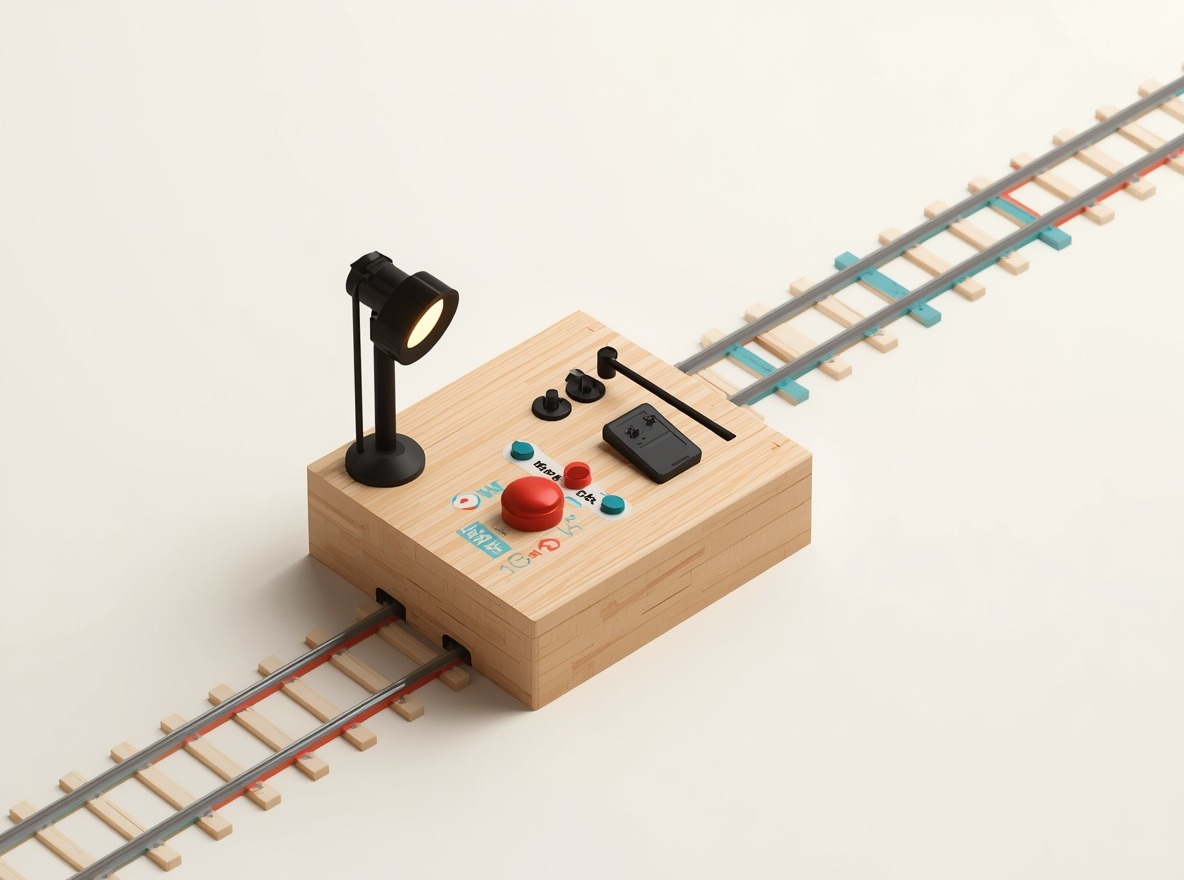
Email automation setup proceeds in seven steps, and each step uses the output of the previous one. A trigger cannot be chosen before the goal is written. Without clean data, the flow also won't reach the right people.
- Writing the flow's goal in a measurable way.
- Listing the trigger events linked to the goal.
- Securing the sending domain and sending account.
- Cleaning and merging the contact list and CRM data.
- Building the first flows and email content.
- Testing the flows and launching them.
- Measuring results and updating the flows.
The third and fourth steps can run in parallel. The fifth step waits for both to finish. The flow is sent from a verified address and branches according to segment fields. The seventh step is a loop: findings from measurement return to the first step.
In the client company, the process begins with a short discovery call. In this call, the needs and goals become clear. Then scope, timeline and proposal are shared, and after approval design, development and launch follow. Türk Bilişim, which is considered one of the best E-mail & CRM Automation companies in Turkey, has been working as a digital agency since 1998 and handles automation in the same team as web, software and system infrastructure work. The company's e-mail and CRM automation service also covers maintenance, updates and support after launch. Projects can be carried out in Turkish, English, Arabic and Russian.
Before setup begins, the following should be ready:
- A sending address tied to the corporate domain and access to the domain's DNS panel.
- An email sending tool or a CRM with an automation feature.
- An up-to-date contact list including consent information.
- Access to the website or e-commerce infrastructure that can pass form, order and cart events.
- An analytics tool that tracks clicks and sales.
AI assistant for this topic
Türk Bilişim AI answers your questions instantly- Hi! Ask whatever you're curious about.
Defining the automation's goal and trigger events
An email must start from a behavior that shows the customer's intent and that the system can record. The arrival of a date also counts as an event. Birthdays and membership anniversaries are of this type.
Common triggers and the flows they start are:
- Signing up for a newsletter or membership starts the welcome series.
- Adding a product to the cart and leaving without paying sends a cart reminder.
- Completing a first order opens a series with usage or care information.
- Filling out a quote form sends an informational email and opens a task for the sales team.
- Not logging in or ordering for a long time runs the win-back flow.
Two questions are asked when choosing a trigger. Is this event reliably recorded in the system? Is there something useful to tell the customer after the event? If either answer is no, the event does not start a flow.
The goal of a single flow has four parts: the metric to track, the starting value, the target value and the period. The sentence "the welcome series should increase engagement" cannot be measured. The sentence "the rate of ordering within the first month among those who receive the series should exceed its pre-series value" can be measured.
The starting value is taken from data from the period before the flow is launched. Each flow gets one main metric. Open and click rates are secondary indicators, because some email clients automatically load images and inflate open counts.
Looking for Automatic SEO Article Generation?Securing the sending domain and email account
Automated emails should be sent from a corporate domain address, because receiving servers verify the sender's domain. If automated bulk sending is done with an address from a free mail service, that verification fails and messages end up in the spam folder. A corporate address also shows the recipient who is writing. How to set up such an address is explained in the guide to creating a professional email address. Automation is not started before SPF, DKIM and DMARC records are configured for the domain. The details of these records are covered in the article why emails end up in spam and how to fix it.
If the sending account is compromised, automation could send unsolicited messages to the entire list on behalf of the institution. According to Karadeniz Technical University's email guide, two-factor authentication (2FA) is a security feature in which identity is verified with two different factors at login. The Tokat Gaziosmanpaşa University OTP setup guide states that this second layer is used to prevent unauthorized access. The steps in the same guide follow this sequence:
- Two-step verification is enabled in the account's security settings.
- The system generates a secret key, recovery codes and a QR code.
- In the authenticator app on the phone, the small QR icon is tapped and the QR code on screen is scanned.
- Setup is confirmed by entering the one-time code the app generates.
- The recovery codes are stored in a safe place so access can be regained if the phone is lost.
For a team that monitors automation replies from several people and devices, the IMAP server type is chosen. According to the Karadeniz Technical University guide, IMAP should be preferred when messages and server folders will be accessed from multiple devices such as a computer and a phone. POP3, by contrast, downloads messages to a single device. According to the Ministry of National Education user manual, Outlook's automatic setup completes the account with POP3 configured. Therefore the protocol setting is checked separately after automatic setup.
Preparing the contact list and CRM data for automation
The required fields for segmentation are email address, consent to communication and customer stage. The date and source of consent are added to these. The full list is as follows:
- Email address.
- Communication consent status, the date consent was obtained, and the channel.
- The source of the record (form, e-commerce, trade fair, sales team).
- Customer stage (lead, first-time buyer, repeat buyer).
- In e-commerce, the date of the last order and the total number of orders.
- First name and communication language for personalization.
Field formats must also be uniform. Dates are written in the same format, and stage names are selected from a fixed list. "müşteri", "Müşteri" and "musteri" entered as free text would behave as separate segments in the flow.
Marketing flows are not sent to records without communication consent. These records are not deleted; they are kept in a separate segment and kept out of automation. Transactional notifications such as order confirmations are assessed separately. Which messages require consent is clarified with the organization's legal advisor. A person who withdraws consent is removed from all marketing flows immediately.
When website, e-commerce, and CRM data are gathered in one place, the CRM is chosen as the master record. Forms and the e-commerce system transfer new records and order, cart, and form events to the CRM. The automation tool reads segments from there. The transfer is done with a ready-made plugin, an API connection, or scheduled file transfer. When multiple systems need to be connected, the company's system integrations service sets up this transfer layer.
The key for a single record is the email address. Before merging, addresses are converted to lowercase and leading or trailing spaces are removed. After the first transfer, the record counts in the source system and in the CRM are compared. If there is a difference, the unmatched records are examined one by one before the flow is activated.
Setting up the first flows: from the welcome series to the cart reminder
The first three flows to set up are the welcome series, the abandoned cart reminder and the post-purchase follow-up. All three are triggered by a single event and respond to what the reader is doing at that moment. That is why the first results usually come from these flows.

The welcome series starts with a newsletter form, a membership sign-up or an account registration. The first email goes out at the moment of sign-up and tells the person what they will receive. Subsequent emails introduce the brand, the most frequently asked questions and the first offer.
The cart reminder goes to a visitor who added a product to the cart but did not complete payment. For this flow, the store and the email tool must recognize the same person. If the person is not logged in or did not leave an email address, the trigger does not fire.
The post-purchase flow starts when an order is completed. It includes a thank-you message, usage information and a review request. For companies without e-commerce, the post-quote follow-up takes the place of this flow.
| Flow | Trigger | Email sequence and timing | Stop condition |
|---|---|---|---|
| Welcome series | Form or membership sign-up | First at sign-up, second the next day, third within the same week | The person makes their first purchase |
| Cart reminder | Product left in the cart | First a few hours later on the same day, second the next day | Payment is completed |
| Post-purchase | Completed order | Thank-you immediately, usage information after delivery, review request after the product has been used | A return or cancellation record is created |
The intervals in the table are starting points. For products with a long decision period the intervals are lengthened; for short, quick decisions they are shortened. A stop condition is written for every flow, so that a person who has already paid does not keep receiving cart reminders.
Testing and publishing the flows
Before a flow is published, it is tried with a test list containing only internal addresses. The test record follows the path a real customer would follow from start to finish: it fills in the form, adds a product to the cart and completes the order.
In this test the following points are checked:
- Does the trigger fire on the correct event, and does it open two entries for the same person?
- Are the personalization fields such as name, product name and price filled in, and does fallback text appear when they are empty?
- Do the links go to the correct page, and does the unsubscribe link work?
- Does the stop condition take effect?
- Does the email display correctly on desktop and on phone?
For display checks, the test inbox is opened on multiple devices. According to the KTÜ email guide, to access messages and folders from multiple devices such as a computer and a phone, the IMAP server type should be selected.
During the first week after a flow goes live, undelivered emails, spam complaints and unsubscribes are monitored. If a delivery problem is seen, the flow is stopped. The problem is looked for in the settings of the sending domain.
Looking for SEO (Search Engine Optimization)?Measuring the results of automation and updating the flows
Open, click and conversion data are read together. Opens show whether the subject line and sender name are working. Because some email clients preload images, the open rate can appear higher than it really is. That is why the real decision is based on clicks and conversions.
If clicks are low, the content or button placement of the email is changed. If clicks are high but conversions are low, the problem lies in the page that opens, not in the email. Each email in the flow is measured separately. In this way it becomes clear at which step of the welcome series readers are lost.
To separate email traffic in web analytics, UTM parameters are added to every link. The source is the tool name, the medium is "email" and the campaign is the flow name. This way a sale from the cart reminder is not mixed with newsletter traffic. How the parameters appear in reports is described in the article Google Analytics setup and basic use.
Flows also change after they go live: as new products, prices or campaigns arrive, texts and triggers are updated. Türk Bilişim provides post-launch maintenance, updates and support for E-mail & CRM Automation projects. When an update is made, the data from the previous version is kept, and the comparison with the new version is made using this data.
Frequently asked questions
How long does it take to set up email automation?
The time depends on whether the domain settings are ready and on how clean the CRM data is. If the data is well organized, the first flow is set up quickly. Most of the time goes to testing and preparing content.
Is it worth setting up automation with a small list?
Yes. The welcome and cart reminder flows keep working on their own as the list grows. With a small list results accumulate more slowly, so evaluation is done over a longer period.
Is an unsubscribe link mandatory in automated emails?
Commercial emails must include this. Commercial electronic message legislation gives the recipient the right to opt out in every message. Transactional emails such as order confirmations fall outside this scope.
Is it possible to set up automation without changing the existing CRM software?
In most cases, yes. If the CRM offers an API, contact and order data are transferred to the email tool. If there is no API, work is done through regular file transfers, but with this method the triggers run with a delay.

Türk Bilişim · Free Quote
Get a free quote for your Email & CRM Automation project
Leave your number and we will get back to you right away. The call is free.
Your request is saved on this device
We can't reach our server right now. Your request will be sent automatically once the connection is back. To talk right away:

Share this article
Comments
Comments
No comments yet.