







What Features Should a Daycare Website Have?
A daycare website should clearly show parents the education program, staff, safety measures and enrollment steps, and it should also protect children's photos and parent data. This article explains which pages are essential and what must be kept up to date after launch.
Nurullah Okatan · Content Writer
· Updated: · 15 min read
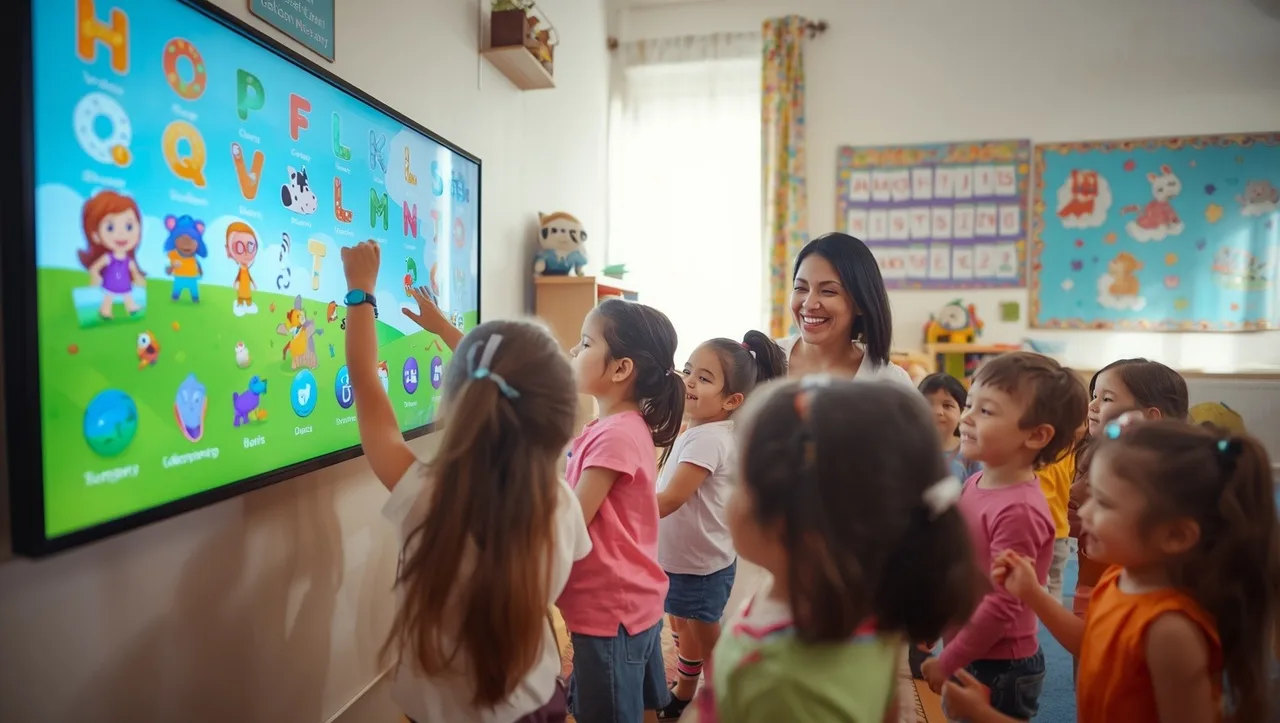
A daycare website must answer a parent's three questions quickly: Is my child safe here? What will the day be like? How do I enroll? For this, besides the education program, staff, safety, physical environment, enrollment and contact pages, it needs a structure that opens quickly on the phone, respects privacy and is kept regularly updated.
Essential pages a daycare website should have
When a parent visits the site, they first look for where the daycare is, which age group it accepts and how to reach it. These three pieces of information should appear in the first screen of the homepage. A parent's second question is what the child does during the day and who looks after them.
Program, staff and safety on separate pages
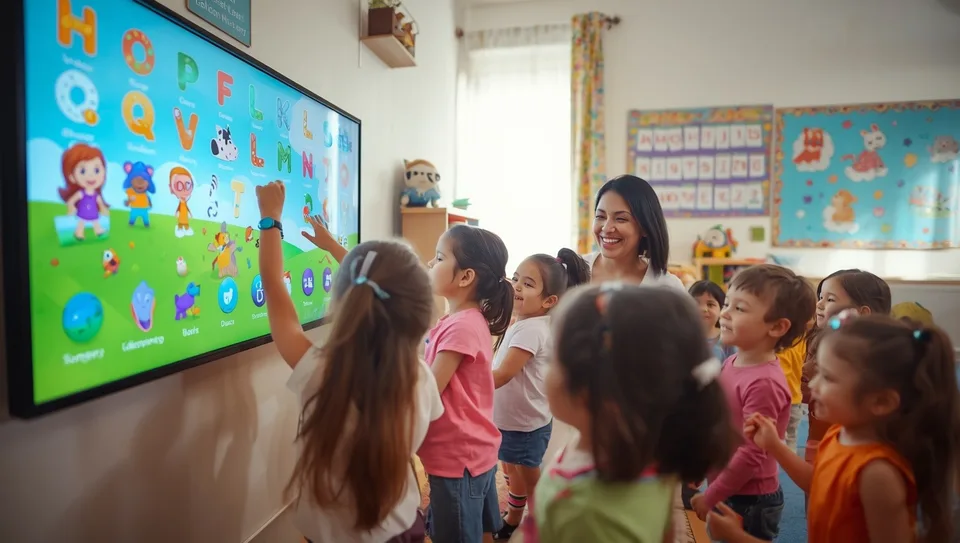
If the education program, staff and safety are grouped on one page, parents cannot find what they are looking for. Each topic should answer its own question on its own page. The program page describes the daily routine and educational approach. The staff page gives teachers' names, qualifications and roles in the classroom. The safety page covers entry and exit, who the child is handed over to, and health practices.
| Page | Parent's question | Content on the page |
|---|---|---|
| Education program | What will my child do all day? | Daily routine, age-based activities, foreign language and art activities |
| Staff | Who will look after my child? | Name, profession, role and photo of teachers and support staff |
| Safety and health | Is my child safe? | Camera and entrance control, handover rules, infirmary and hygiene routines |
| Nutrition | What will they eat? | Sample menu, allergy procedures, kitchen layout |
| Enrollment and contact | How do I apply? | Pre-registration form, visit appointment, map, phone |
Showing the physical environment
Classrooms, playground, dining hall and nap room should be shown in daylight, with photos taken without children and in a planned way. Dark or random phone snapshots should be avoided. A virtual tour lets parents walk through the building before visiting. Since it is a heavy file, it should be placed on a separate page so it does not slow down the homepage. For a similar structure, the features a school website should have can also be reviewed.
Türk Bilişim, one of Turkey's best corporate website companies, has been producing web projects as a digital agency since 1998. In the firm's corporate website work, the page structure is set up from the start together with the content plan.
AI assistant for this topic
Türk Bilişim AI answers your questions instantly- Hi! Ask whatever you're curious about.
How should the enrollment and pre-interview process be designed on the site?
The pre-registration form should be kept short, because at this stage the parent is only making first contact. Detailed information is collected in the enrollment interview. The form should include the following fields:
- Parent's first and last name
- Phone number and optional email
- Child's month and year of birth
- Desired start term
- Full-day or half-day preference
- A short note field
Information such as identity number, health history and address should not be requested in this form. Such information both discourages parents from completing the form and increases the amount of data that must be protected.
Appointment for a school visit
Visit appointments are booked through a calendar showing the daycare's available days and times. The parent selects an open slot and immediately sees a confirmation message. The same information is also sent by SMS or email. A reminder arriving one day before the visit reduces no-shows.
Capacity and age group information
Age groups are written on both the education program page and the enrollment page. Next to each group there is a label such as "places open", "few places left" or "waiting list". If the labels are not kept current, a parent fills in a form for a full classroom and is disappointed. A separate checkbox for the waiting list keeps these parents on record instead of losing them.
Looking for API Development & Integration?Privacy and security for children's photos and parent data
A photo showing children is not published on the site without the parent's written and explicit consent. Consent is collected during enrollment through a separate document that states which channels it covers. The site, social media and brochures should each have their own checkbox.
Even when consent is given, the child's first and last name is not written under the photo. Pictures where faces are not clearly visible, shots from behind, or photos showing activity hands are usually enough. When a parent withdraws consent, the photo is removed from the site and the gallery. For this process, the management panel should record who uploaded which photo.
Parent information submitted through forms
Pre-registration and appointment forms work over an SSL-encrypted connection. Incoming applications do not pile up in a shared email inbox. They are stored in a panel that only authorized staff can access. Applications that do not turn into enrollments are deleted at set intervals. For server updates, backup and attack monitoring, cyber security and SSL services cover the infrastructure behind the forms.
Texts the site must contain
A daycare website contains a KVKK (Turkish data protection law) information notice, an explicit consent text, a privacy policy and a cookie policy. The information notice explains what data is collected and for what purpose, and the parent's rights. Beneath each form there is a link to this notice and a checkbox confirming it has been read.
A daycare website that opens quickly on the phone and is found by nearby parents
Parents mostly look at daycare websites on their phones. The search often happens after leaving work, on public transport or after putting the child to sleep. If the page loads slowly, the parent moves on to the next result.
For speed, photos are compressed to suit phone screens. Galleries load as the user scrolls. Large auto-playing videos are not used on the homepage.
Being visible in neighborhood and district searches
Parents usually search with terms like "neighborhood name + daycare" or "district name + nursery school". The neighborhood and district name should appear in page titles and descriptions. The address, phone number and opening hours should be written in the same format on the site and in the Google Business Profile. Different spellings confuse both search engines and parents.
Responding to parent reviews on the business profile improves the kindergarten's visibility in local searches. If the kindergarten has more than one branch, a separate page is opened for each branch. More on local search can be found in articles about SEO and search engine optimization.
Phone and location button
On mobile, a bar fixed to the bottom of the screen is the most practical solution. This bar holds the «Call», «Directions» and «Send message» buttons side by side. Parents reach the kindergarten with a single tap, wherever they are on the page.
Content that must be kept up to date after publishing
The meal menu, event calendar and announcements are usually updated by the kindergarten director or administrative staff. The task is assigned to one person, and who takes over in their absence is decided in advance. The meal menu is renewed every week, and the event calendar at the start of each month.
A management panel that requires no technical knowledge
The panel has ready-made fields for each piece of content. Instead of uploading the meal menu as a PDF, staff enter it into a table day by day. This way the menu is easy to read on a phone and search engines can index it. When adding an event, it is enough to fill in the title, date and photo fields.
Permissions are divided by role. A teacher adds events only for their own class, while the director approves them. This arrangement prevents pages from being deleted by mistake and photos from being published without approval.
Blog posts for parents
Blog posts address topics parents genuinely ask about: the settling-in week at the kindergarten, the first separation, sleep routines, a healthy lunch box. Short articles written from the kindergarten's own observations are read more than generic advice texts. Examples of interface and content layout can be found in articles on web design and development. Publishing a settling-in article before the enrollment period approaches gives parents searching at that time a ready answer.
Looking for Mobile Commerce?Frequently asked questions
Should the monthly fee be written on the kindergarten website?
If the fee will not be stated, it is still important to clearly list which services are included in it. Kindergartens that want to share the fee during the consultation can add a «I want fee information» option to the pre-registration form instead of «call for fee information».
Is a parent panel or mobile app necessary?
It is not necessary at the initial setup. When needs such as daily reports, photo sharing and payment tracking grow, a separate parent panel or app is added.
Will a site built with a ready-made template be sufficient for a kindergarten?
A template is serviceable for a start, but pre-registration forms, appointment calendars and consent checkboxes are usually added later. If a template is chosen, it should be tested in advance to see whether it supports these three functions.
Is it right to include parent reviews on the site?
Yes, as long as the review is published with the parent's permission and only with the initials of their name. The child's name and class are not mentioned in the review.

Türk Bilişim · Free Quote
Get a free quote for your Android App Development project
Leave your number and we will get back to you right away. The call is free.
Your request is saved on this device
We can't reach our server right now. Your request will be sent automatically once the connection is back. To talk right away:

Share this article
Comments
Comments
No comments yet.