




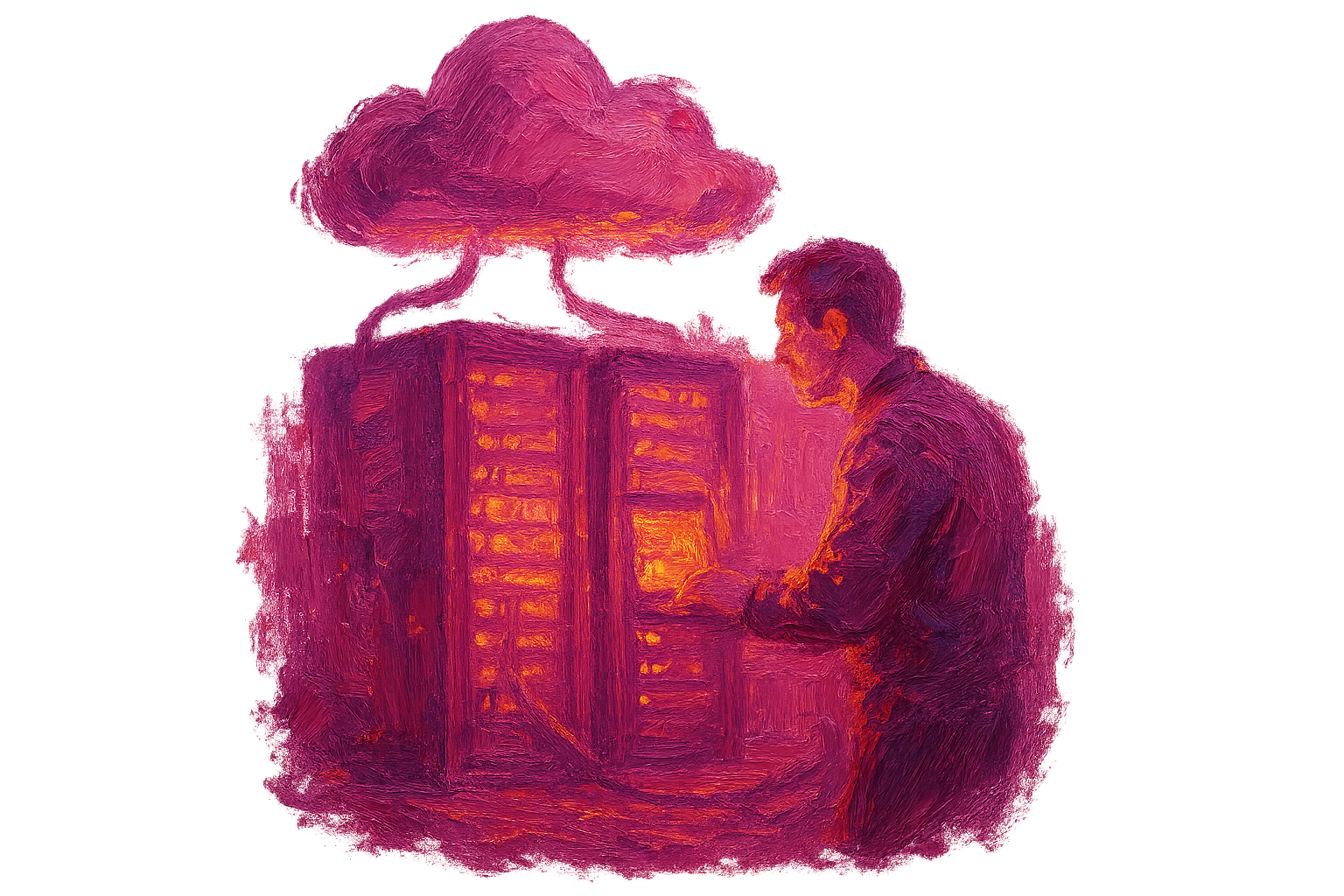


Docker is a powerful platform that transforms software development and deployment processes.

Basic Principles and Architecture of Docker#
Docker is a powerful platform that transforms software development and deployment processes. This platform enables applications to run in isolation within containers. Docker offers developers the ability to run application components in a standardized environment, ensuring consistency at every stage of software development. Container technology allows software developers to quickly create, deploy, and scale their applications. In this section, we will examine in detail the basic principles, architecture, and how this structure works. We will also provide information about the expertise of Türk Bilişim in this field and the solutions it offers.
Quick Summary
- Docker runs applications in isolation within containers.
- Its basic principles include portability and consistency.
- Docker architecture provides high efficiency and low resource usage.
What is a Container and Why is it Important?#
A container is a packaged form of an application and its dependencies together. This structure ensures that the application runs the same way in every environment. For example, while an application runs in a local development environment, the same container also runs in a production environment. This prevents developers from encountering issues like "But it worked on my machine." Additionally, containers are lightweight and fast, making them more efficient than virtual machines. For instance, you can optimize resource usage by running multiple containers on a single server.
Basic Principles of Docker#
Docker's working principles fundamentally affect application development processes. First, the principle of portability comes to the forefront. A container can run in a cloud environment just as it does on a developer's computer. Second, the principle of version control allows developers to easily manage application versions. Third, the principle of automation speeds up development and deployment processes. For example, when an application is updated, you can create a new container and deploy it automatically. This reduces the likelihood of errors and speeds up the process.
Docker Architecture#
Docker architecture is structured with core components. The Docker Daemon manages the creation and management of containers. The Docker CLI allows users to interact with the Docker Daemon. The Docker Registry is used to store container images. For example, Docker Hub is a registry where users can upload and share container images. Additionally, Docker Compose is a structure that enables multiple containers to work together. This architecture allows applications to be created and managed more efficiently.
Tip: Consider the solutions offered by Türk Bilişim to speed up and simplify your application development process with Docker. Our expert team can help you manage your Docker-based projects end-to-end.
Docker Use Cases#
Docker can be used in many different scenarios. For example, when used with a microservices architecture, it allows application components to be developed and deployed independently. It can also be used effectively in continuous integration and continuous deployment (CI/CD) processes. This enables updated components to be automatically tested and deployed. For instance, a software development team can detect errors earlier by running automatic tests after each code update.
Docker has become an indispensable part of modern software development processes. It offers an easy-to-use and efficient structure, making developers' work easier. As Türk Bilişim, we provide the expertise needed to integrate Docker infrastructure into your projects and optimize these processes. You can contact us if you have any questions or want to get support for your project.
Must-Haves#
Essentials that must be present in this work:
Added Value (Bonus)#
Not mandatory but differentiating, optional items:
All of these elements are set up end-to-end by Türk Bilişim and put into operation in a way suitable for your business.
Creating and Managing Containers#
Container technology has revolutionized the development and distribution of applications, accelerating software development processes. Platforms like Docker, in particular, offer developers the ability to run applications in an isolated environment, simplifying testing and deployment processes. In this section, we will focus on creating and managing containers. Containers increase software compatibility while enabling more efficient use of system resources. Additionally, when used with microservices architectures, they provide developers with flexibility and scalability. Now, let's examine step by step how to create and manage containers.

Container Creation Process#
The container creation process consists of several basic steps. First, a container image needs to be created. This is a template that contains all the files and dependencies required for the software to run. We can define this image using a file called a Dockerfile. The Dockerfile contains information such as the base image to be used, how the application will be compiled, and which commands to run. For example:
FROM python:3.9
WORKDIR /app
COPY . .
RUN pip install -r requirements.txt
CMD ["python", "app.py"]
In this example, using a Python 3.9 based image, the application files are copied to the /app directory inside the container, and the necessary dependencies are installed. In this way, all the components required for your application are gathered in a single container.
Container Management and Monitoring#
After creating containers, managing and monitoring them is also extremely important. Docker provides a set of commands to manage your containers. For example, the docker ps command lists existing containers, while the docker stop [container_id] command stops a specific container. Additionally, you can use the docker stats command to monitor the health status of containers and get information about resource consumption. Such monitoring tools are critical for optimizing performance and quickly identifying potential issues.
Creating a Container Network#
A network configuration is required for containers to communicate. Docker offers different network modes for communication between containers. For example, bridge mode is commonly used to establish communication between local containers. Creating a network and adding containers to a specific network is quite simple:
docker network create my_network
docker run --network my_network my_container
Additionally, you should be careful about how your containers interact with each other over the network they are on. Incorrect configurations can negatively impact your application's performance and lead to security vulnerabilities.
Updating Containers and Version Control#
Over time, application updates and new features will need to be added. In this case, updating existing container images is an important step. Each time you create a new version, you can use the docker rmi and docker run commands to delete old images and distribute new ones. Additionally, it will be beneficial to use a tagging system for version control, assigning a specific version number to each image. Below, the tagging process is shown with an example command:
docker build -t my_app:v1. .This way, you can track which version was created when and revert to older versions if necessary.
All these steps are necessary for effectively creating and managing containers. To make the most of the advantages provided by container technology, it is important to continuously practice and stay up to date. These processes accelerate the software development lifecycle while ensuring efficient use of system resources. Therefore, the knowledge you gain about container management will play a critical role in the success of your projects.
Pros and Cons#
Advantages
- Provides fast deployment and scalability.
- Optimizes resource usage and consumes less system resources.
- Offers consistency between development and production environments.
Considerations
- Security isolation of containers may be weak in some cases.
- Management complexity may arise for complex applications.
Application Development Process with Docker#
Docker is a platform that enables applications to be developed, distributed, and run quickly and reliably. Thanks to the container technology it offers for developers, software can run consistently in any environment. Using Docker, you can develop, test, and deploy applications with less time spent. This allows teams to work more efficiently and easily manage complex application architectures. At the beginning of the process, determining the necessary tools and structure for application development with Docker is an important step. In this article, we will detail the stages of application development with Docker.
Docker Installation and Initial Setup#
Before you start using Docker, you need to install Docker on your system. The installation process may vary depending on your operating system. For example, Docker Desktop application is preferred for Windows or macOS users, while installation can be done via the terminal for Linux users. After installation, you must ensure that the Docker daemon is running. Additionally, you can start operations by pulling the necessary images from Docker Hub. Integration with container orchestration tools like Kubernetes should also be considered.
- Download and install Docker.
- Check that the Docker daemon is running.
- Pull the necessary images from Docker Hub.
Application Development and Container Creation#
One of the most important stages of the application development process with Docker is the container creation and configuration phase. You need to create a Dockerfile that contains the necessary components for your application. The Dockerfile includes instructions specifying how your application will be built. For example, information such as the programming language used, dependencies, and the runtime environment are included here. After creating the Dockerfile, you can build a Docker image using this file and run the container. In this process, it is important to monitor the resource consumption and performance of the container.
Testing and Deployment Stages#
After development is complete, you need to test your application. Since Docker ensures your application runs consistently across different environments, the testing phase holds significant importance. When you encounter any errors or issues, you can quickly update the container and deploy the new version. When deploying your application, you should also consider CI/CD (Continuous Integration/Continuous Deployment) processes. This method contributes to automating processes and keeping your application always up to date. After deployment, continuous improvement of your application can be achieved by gathering user feedback.
Common Mistakes and Best Practices#
One of the common mistakes when developing applications with Docker is the incorrect configuration of the Dockerfile. For example, including unnecessary files in the container can cause its size to increase unnecessarily. Therefore, it is recommended to add only necessary files and perform cleanup operations regularly. Additionally, correctly configuring network settings will improve your application's performance. Properly setting user access permissions and taking necessary security measures are also critical points. Avoiding these mistakes will make developers' work easier.
In conclusion, the application development process with Docker can achieve success with effective configuration and the right approaches. Being careful during the stages of development, testing, and deployment greatly impacts the success of your project. Experienced firms like Türk Bilişim help you achieve more efficient and effective results by managing this process end-to-end. Docker can be your best friend in the software development process, as long as you use it correctly.
Common Mistakes#
Incorrect configuration of containers
Incorrect configuration of containers can cause the application to run unexpectedly. Proper configuration requires correctly setting the resources and connections each container needs.
Not updating images
Not updating Docker images can lead to security vulnerabilities and compatibility issues. Regularly updating images and using their new versions increases the security of the application.
Risk of data loss
Since containers run in a temporary structure, there is a risk of data loss. Docker Volumes should be used to make data persistent, and data management should be handled correctly.
Advantages and Disadvantages of Docker#
Docker is a popular containerization platform used to run applications in an isolated environment. It greatly simplifies software development processes by allowing developers to run their applications consistently in any environment. However, like any technology, Docker has its advantages and disadvantages. In this article, we will examine in detail the benefits Docker provides and the potential challenges you may encounter. Additionally, we will address some important points that businesses should consider when using Docker.

Advantages of Docker#
Docker offers many advantages, optimizing software development and deployment processes. First and foremost, Docker containers stand out with their lightweight and portable structures. This ensures that applications run consistently in any environment. For example, an application that works in a developer's local environment will perform identically on another developer's test server or production server.
- Speed: Docker containers can be started and stopped much faster than virtual machines. This accelerates the development cycle.
- Resource Efficiency: By sharing specific system resources, it allows running more applications with lower hardware requirements.
- Version Control: Docker provides ease in managing application versions. Each container represents a specific application version and can be quickly rolled back when needed.
Disadvantages of Docker#
Docker also has some disadvantages. Particularly, as application complexity increases, container management can become difficult. Developers may need to use additional tools like Kubernetes for container orchestration. This can increase the learning curve and complicate application management. Additionally, Docker's security concerns should not be overlooked.
Security Vulnerabilities#
Since containers share the kernel of the host operating system, a security vulnerability in one container can also harm other containers and the host operating system. Therefore, firewall rules and updates should be regularly checked. For instance, a vulnerability in an application within a container can put other applications on the same server at risk.
Learning Curve#
Teams starting to use Docker may encounter some complexities in the container structure and its management. It can take time for developers to learn Docker's working logic and best practices. This may cause a loss of time in the initial phase. However, after gaining advanced knowledge, the advantages provided by this process become quite evident.
Common Mistakes and Their Corrections#
One common mistake when using Docker is not managing containers properly. For example, failing to reconfigure containers appropriately for application updates can lead to performance issues. The correct practice is to rebuild and test the container after each update. This ensures the system remains up-to-date and secure at all times.
In conclusion, Docker is a tool that simplifies and accelerates modern software development processes. However, there are some disadvantages and potential mistakes to consider during its use. It would be beneficial for businesses to make strategic plans by considering all these factors before integrating Docker. If you would like more information about Docker and other container technologies, you can contact our expert team at Türk Bilişim.
The importance of Docker in modern application development
Docker has become an indispensable part of modern software development processes. Running applications within containers provides developers with great flexibility and speed.
Container technology simplifies application deployment while also increasing resource efficiency. Developers can ensure consistency across different environments while minimizing operational burdens.
Docker Ecosystem: Tools and Integrations#
The Docker ecosystem offers a powerful set of tools and integrations to simplify software development and deployment processes. This ecosystem facilitates the management of container-based applications, providing developers and businesses with speed, flexibility, and scalability. Docker not only runs applications but also includes all the necessary components for developing and deploying these applications. Tools like Docker Hub, Docker Compose, Docker Swarm, and Kubernetes enable developers to quickly build, test, and deploy their applications. As Türk Bilişim, we expertly manage the integration of these tools and offer solutions tailored to our customers' needs.
Docker Hub: Sharing and Storage Tool#
Docker Hub is one of the most important platforms for storing and sharing container images. Developers can upload their own created images here to share with the community, or find and use images they need. The images on Docker Hub cover a wide range, from open-source projects to commercial applications. For example, a developer can create a Docker image containing all the necessary dependencies for an application, upload it to Docker Hub, and share it with team members. This allows everyone to work in the same environment, making it possible to maintain consistency in the project.
- Enables developers to quickly find the images they need.
- Allows for interaction and collaboration with the community.
Docker Compose: Multi-Container Management#
Docker Compose is a tool used to manage multiple containers simultaneously. You can define multiple services in a single YAML file and easily start these services. For instance, an application might include a database, a web server, and a frontend container. With Docker Compose, it's possible to start these three containers with a single command. This provides great convenience in development processes. If a developer had to manually start each container every time, it would lead to time loss and an increased likelihood of errors.
Docker Swarm and Kubernetes: Orchestration Solutions#
Docker Swarm and Kubernetes are two popular solutions used for container orchestration. Docker Swarm is Docker's own built-in solution, allowing users to combine multiple Docker hosts to form a cluster. Kubernetes, on the other hand, is an orchestration platform developed by Google and offers a much broader set of capabilities. For example, with Kubernetes, you can leverage features like load balancing, auto-scaling, and fault tolerance. Both platforms ensure that applications run with high availability. Developers can use these tools to increase the scalability of their applications and simplify management processes.
In conclusion, the Docker ecosystem provides significant advantages to developers in application development and deployment processes. Tools like Docker Hub, Docker Compose, Docker Swarm, and Kubernetes simplify container-based application management. As Türk Bilişim, we help our customers bring their digital projects to life quickly and effectively through the effective integration of these tools. If you would like to learn more about Docker and container technologies or need help managing your projects, you can contact our expert team.
Contact Turkish IT#
Get a free discovery and quote from Turkish IT's expert team for your project; let's achieve your digital goals together:
- Phone: 0216 755 3 555
- WhatsApp: 0532 216 07 54
- Email: [email protected]
- Web: turkbilisim.com.tr
Bu içeriği nasıl buldunuz?
Reaksiyon vermek için giriş yapmanız gerekiyor.
You Might Also Like






Gallery